Every image matches
The same garment, fabric, design and model across front, back, side and close-up, and across the whole collection.

Flipkart product photography
Upload a photo of every SKU to Fivo Studio, choose one model and one backdrop, and the whole range comes back on model in your brand's look, the same on every SKU, usually within 24 hours. Hanger and mannequin photos from the warehouse are fine as inputs.
From about ₹20 an image · price shown before you generate · see pricing
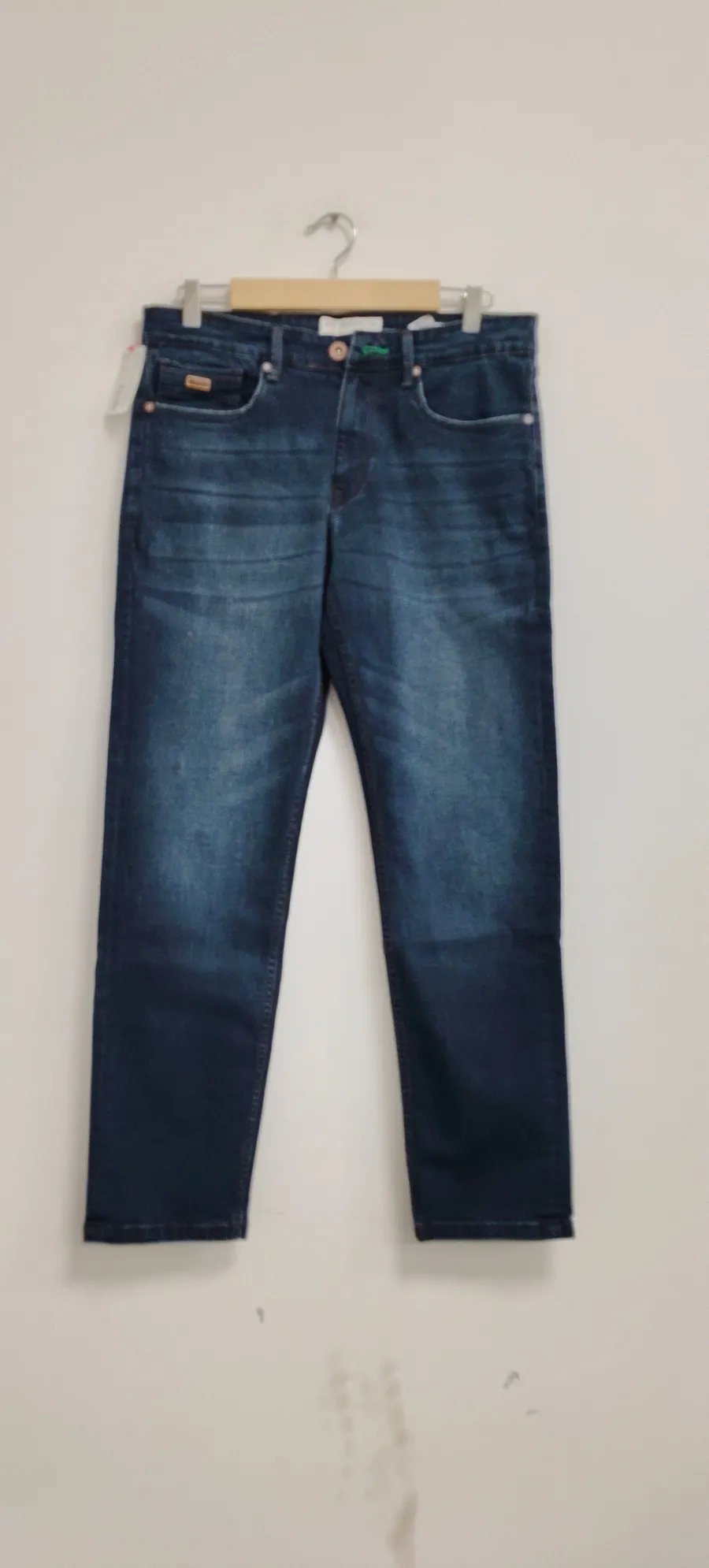 Brand's hanger
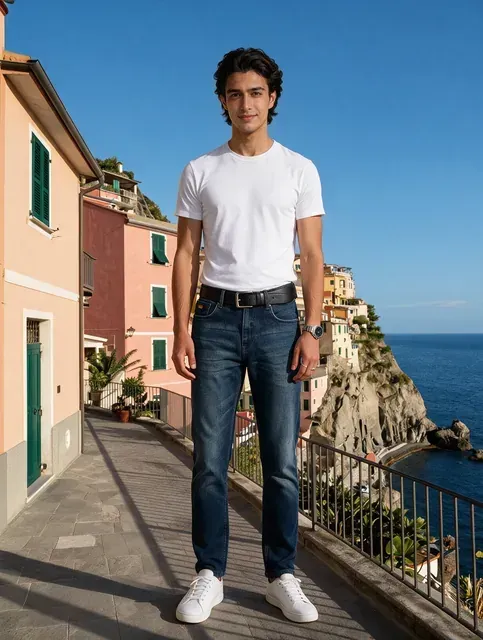 Fivo
It puts every SKU in a clothing range on a model, in bulk, from photos you already have. Upload hanger, mannequin or flat-lay photos to Fivo Studio, pick one model and a light backdrop, and the range returns on that model with front and back views, colours matched to your photos, usually within 24 hours.
Why brands choose Fivo
Customise every shoot to your brand. Fivo keeps your garment, your models, your styling and your look the same in every image you put out.
The same garment, fabric, design and model across front, back, side and close-up, and across the whole collection.
Your photo is the reference: colour, print, embroidery and cut are carried into every image, not reinvented.
Choose the pose for each shot, from straight catalogue fronts to walking, seated and detail shots.
Pick models by the look and age group your customers relate to: women, men, kids, Indian or international.
Choose each styling article per garment: footwear, jewellery, bags, watches, belts, and the top or bottom it's paired with. Or upload your own.
Who it's for
Forty new styles a week at thin margins. Shoot them from warehouse photos at about ₹20 an image rather than a share of a studio day.
Your stock lives on hangers and dress forms, not on models. Those photos are the input, and the listing shows a person wearing the piece.
A hundred jeans in near-identical washes. One model and one backdrop keep the grid even, so the wash is the only thing that changes.
A new colourway lands. Shoot it in minutes in the Android app on the same catalogue model the style already uses.
What Flipkart asks for
Flipkart publishes its own guidelines inside the seller dashboard, behind a login. This public summary comes from Fynd, an integration partner that lists products on Flipkart for its sellers.
| Rule | What the documentation says |
|---|---|
| Images | At least 2, with 3 preferred |
| Size and file | At least 1000 × 1000 pixels, JPEG |
| Apparel background | Light grey with a soft shadow; a white background is not accepted |
| Views | Front and back are mandatory; side and pocket views are optional |
| Models | The same model and skin tone across all shots |
| Mannequins | Not allowed |
| The garment itself | Ironed, with no creases; no props, text, watermarks or tags |
Source: Fynd's Flipkart image guidelines, checked November 2026. This is a partner's documentation, not Flipkart's own page, so confirm the rules in your seller dashboard.
Mapping the rules
| Flipkart asks for | How it works in Fivo |
|---|---|
| No mannequins | Photograph the garment on the mannequin you already use. The output shows it on a model from Fivo's catalogue. |
| One model and skin tone across shots | Pick a single model in Studio for the range; every SKU and every view uses that model. |
| Light grey with a soft shadow | Choose a light, plain studio backdrop and compare it with the rule. Fivo doesn't promise an exact grey. |
| Front and back views | Both come from one reading of the garment. Add a back photo when the back has its own print or pockets. |
| No creases | Fivo works from what your photo shows, so press the garment before you photograph it. |
| No props | Keep styling to what the garment is worn with: choose the footwear, or the leggings or jeans a kurti is paired with, or no styling at all. |
| 1000 × 1000 or larger, JPEG | Check the size and type of the downloaded files, and convert if the dashboard asks. |
Why volume sellers use Fivo
Upload the whole sale range at once. A Studio collection is usually ready within 24 hours, so late stock still gets on-model images before the sale.
One catalogue model, one backdrop and one pose set hold across the upload, which is what the same-model, same-skin-tone rule asks of you.
Flipkart, as Fynd documents it, rules out mannequins. A dress-form or hanger photo is a normal Fivo input, and the result shows a person.
About ₹20 an image, so three views come to about ₹60 a SKU. Studio shows the total with GST before it runs; failed images release their credits.
A 'colour not as shown' return eats a thin margin. Each shade is taken from your photo and a colour-match step runs, so near-identical washes stay apart. Hold them against the stock.
A bulk Flipkart run
One clear photo each, on a hanger, a mannequin or laid flat; a phone is enough. Add a back photo where the back differs.
Add the range to Fivo Studio, then pick one model and one light backdrop that hold for every piece.
The full price, GST included, shows before generating. Credits for any image that fails are released.
Check each SKU against the garment, download the approved front, back and side views, and upload them.
One SKU, every view
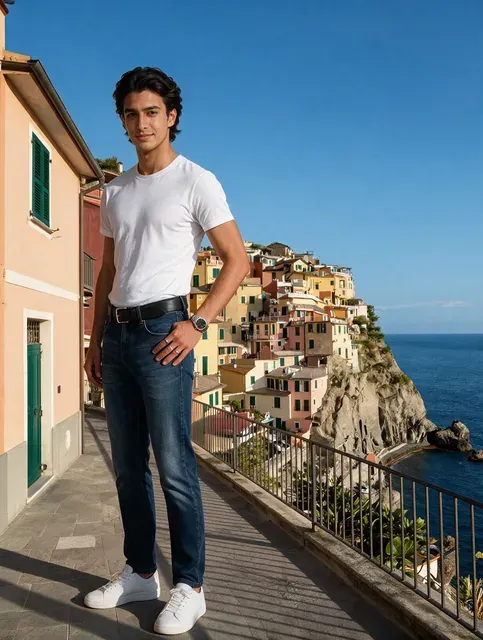
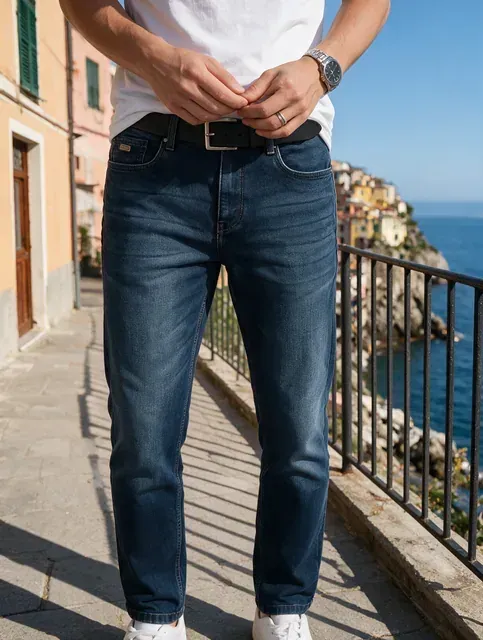
The brand's photo of jeans on a hanger against a wall, then front, side and close-up on model, with the whiskering and fades where the hanger photo has them. This shoot made no back view and sits on an outdoor terrace; for Flipkart, add the back and pick a light grey studio.
A run of SKUs
Denim kurtis with leaf, hibiscus, daisy and scattered-flower embroidery, all on the same model in the same courtyard, plus a chikankari kurti shot from a mannequin outside a shop. For a listing, the same consistency works on a light studio backdrop.
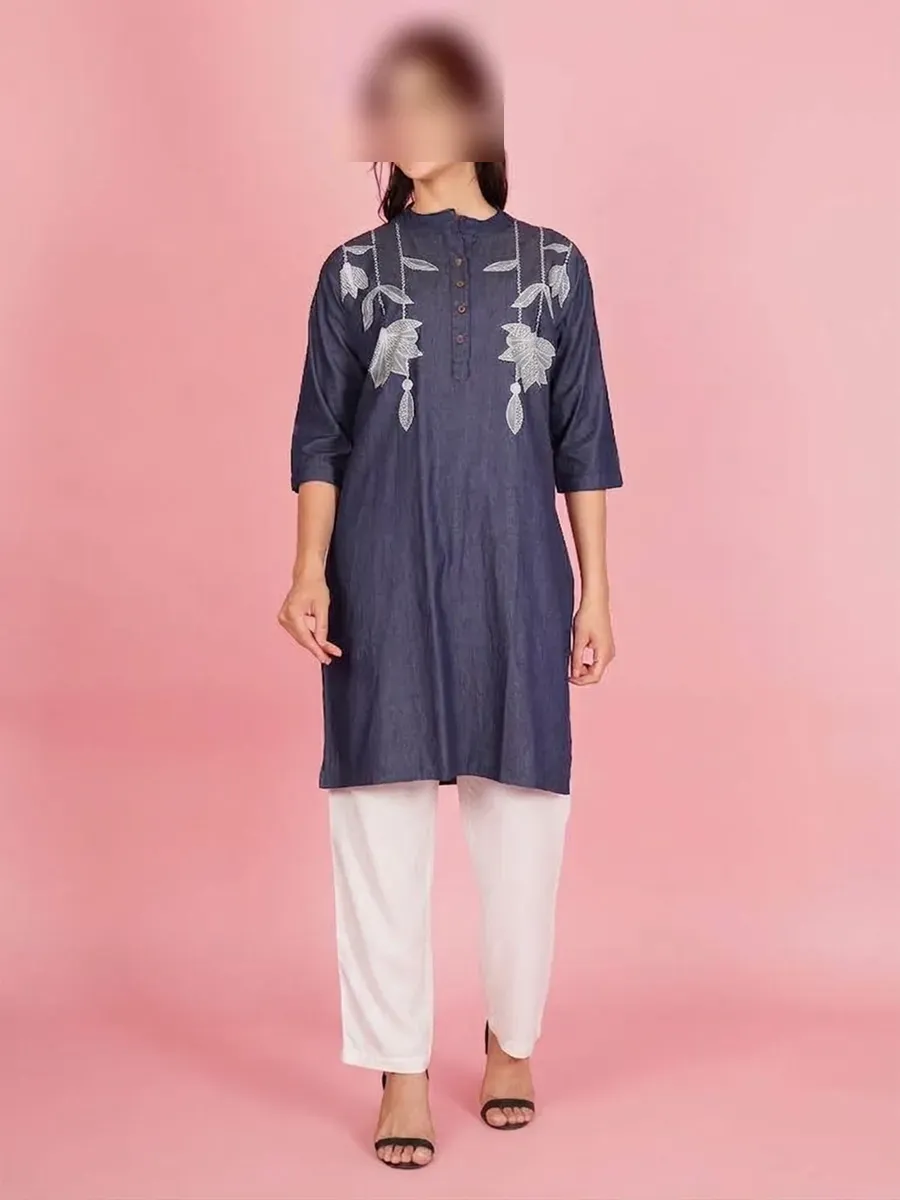 Brand's on-model photo
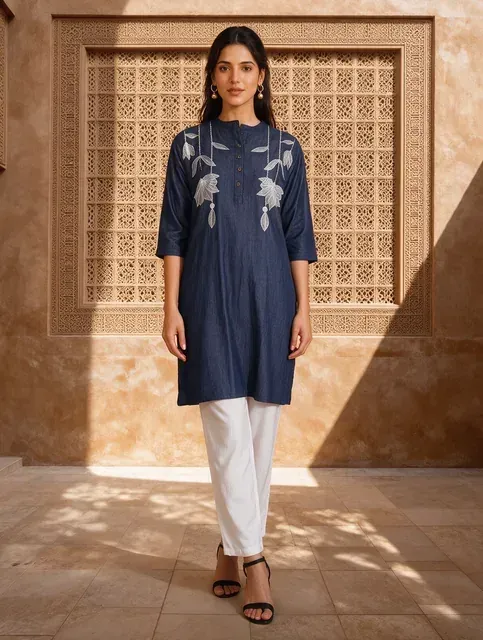 Fivo
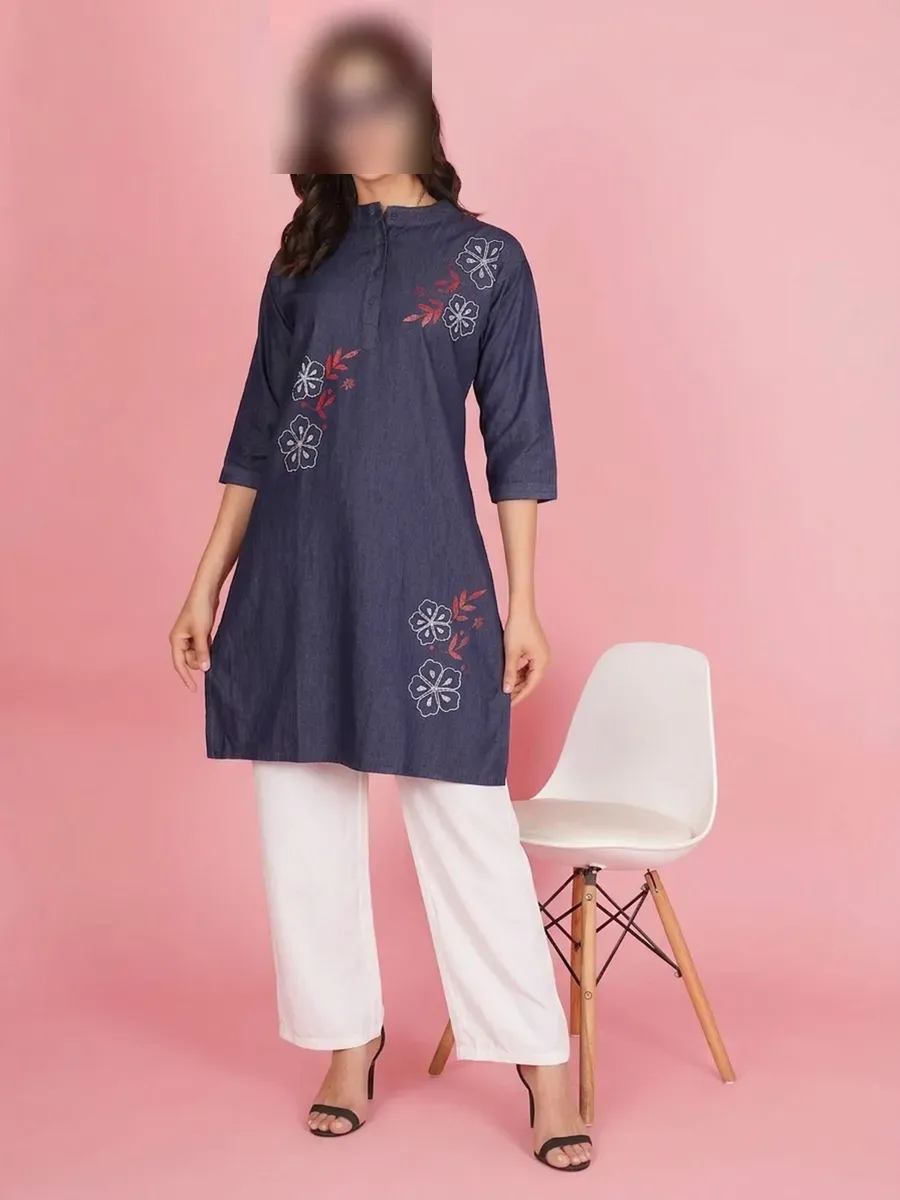 Brand's on-model photo
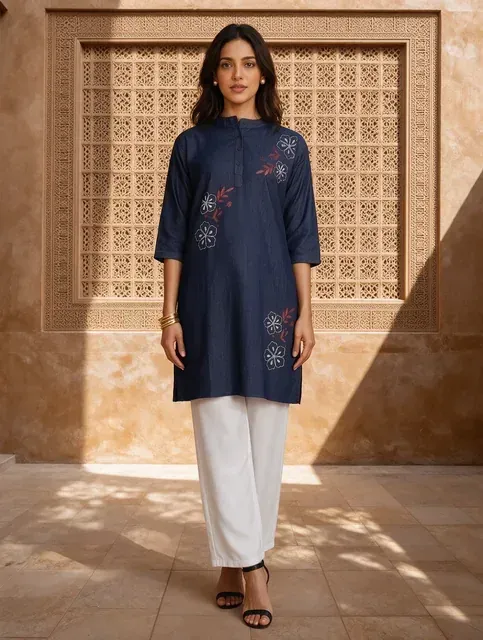 Fivo
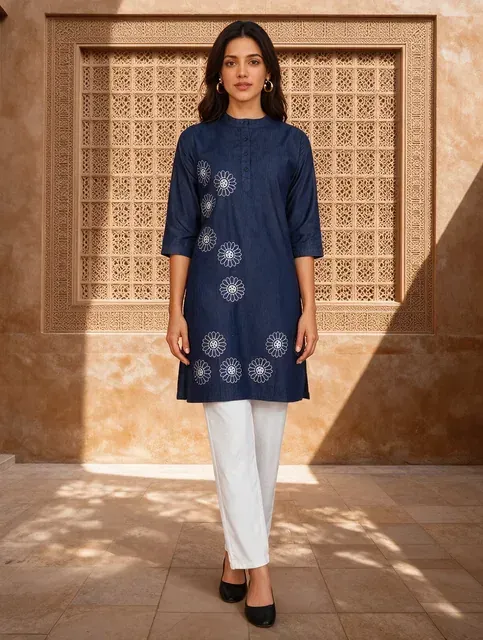 Fivo
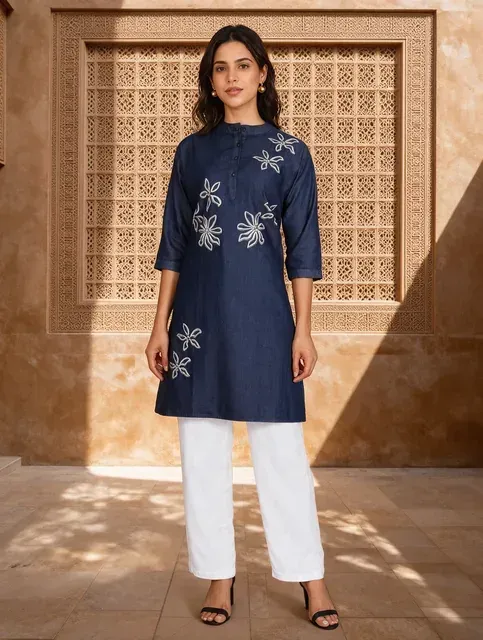 Fivo
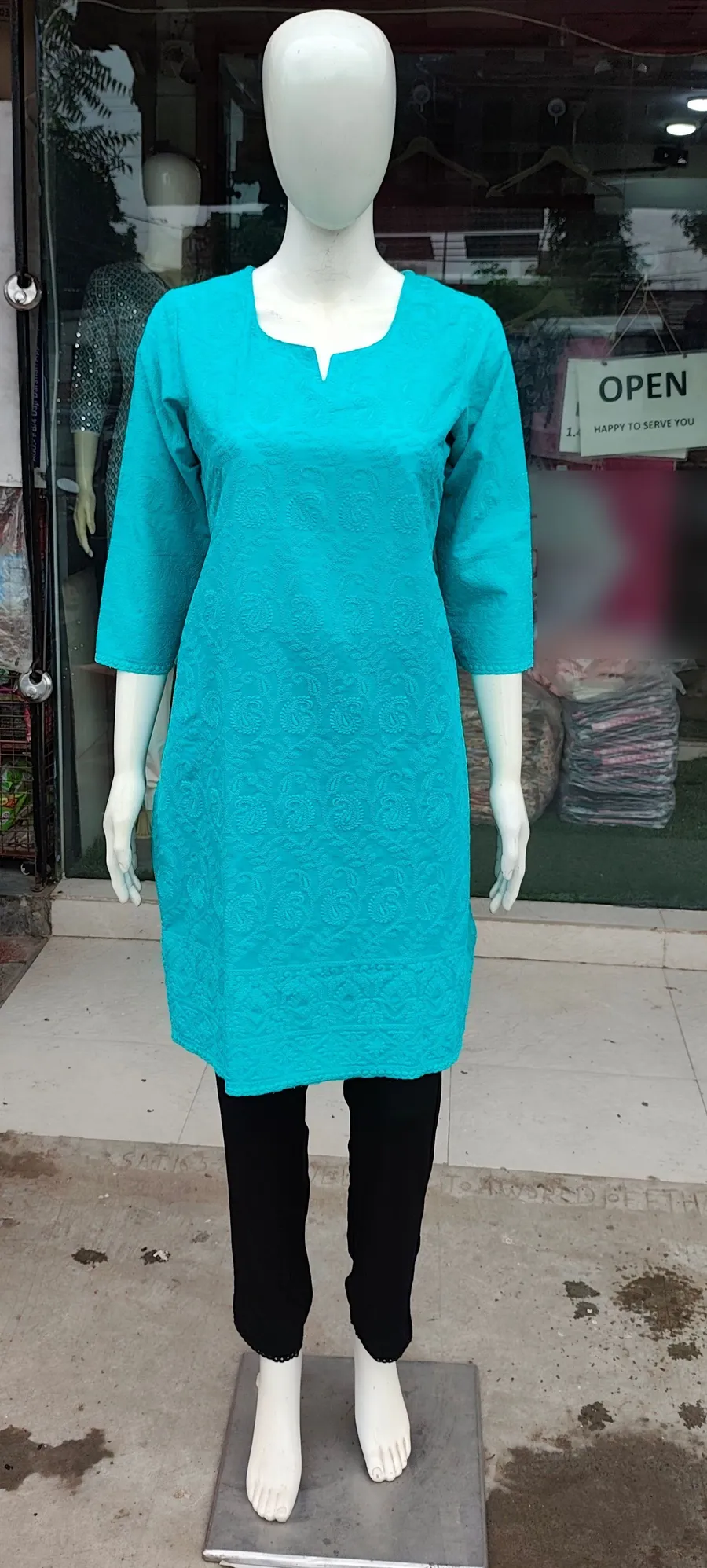 Brand's mannequin
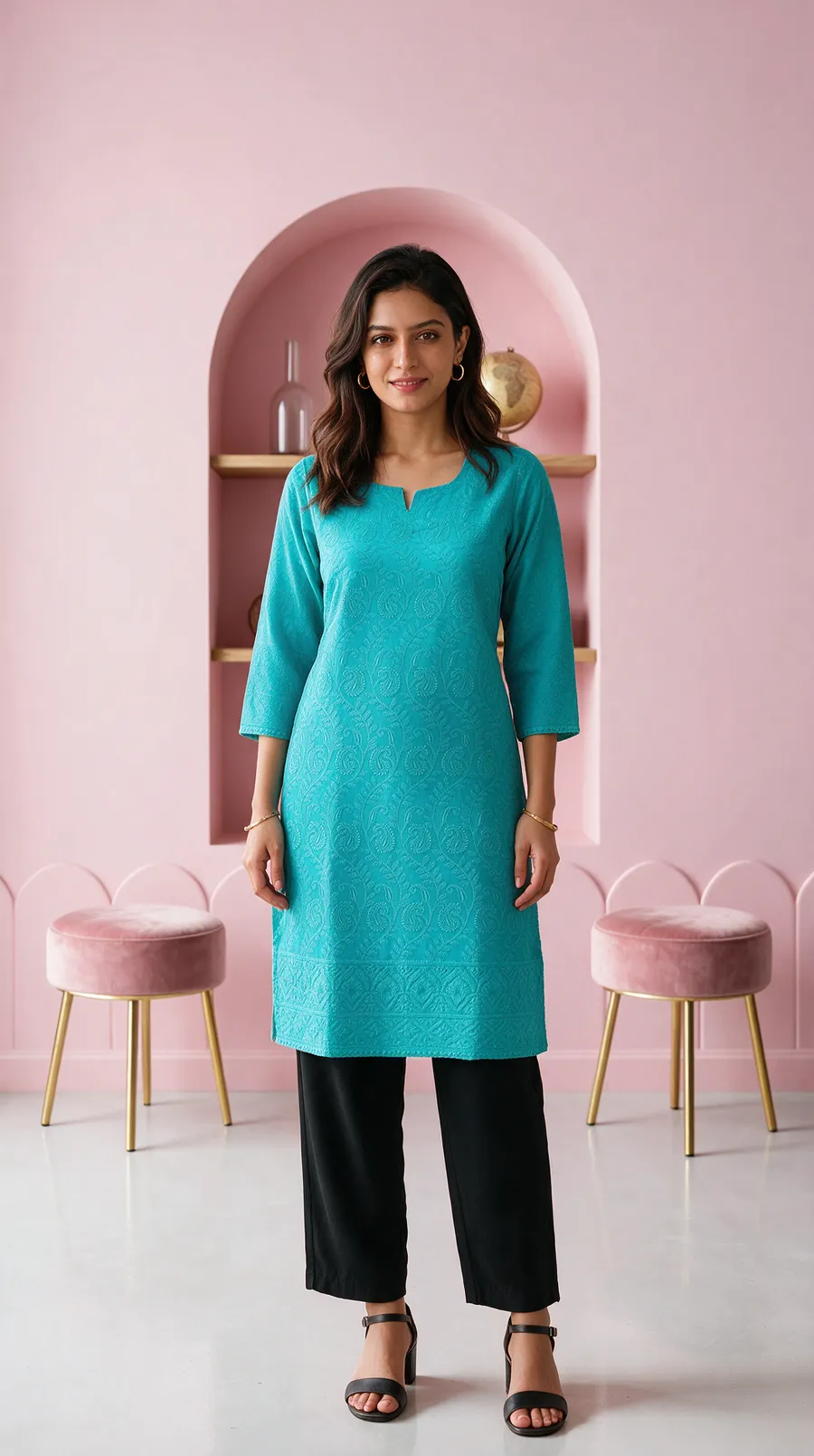 Fivo
Questions
What volume sellers ask before they put a Flipkart range through Fivo.
A collection in Fivo Studio is usually ready within 24 hours. A range of 300 takes longer the weaker the input photos are, so split it into collections by category, or ask Fivo's team to run it as a full-service shoot. For a steady feed of new SKUs, Fivo can also set up an API with your own catalogue system on request.
Fynd's Flipkart documentation, checked November 2026, makes front and back mandatory and side and pocket views optional, with at least 2 images and 3 preferred. Fivo makes front, back, side and close-up views of each SKU. Confirm the current list in your seller dashboard.
The same documentation asks for at least 1000 × 1000 pixels in JPEG, with apparel on light grey with a soft shadow rather than white. Check the downloaded files against the size, and your chosen backdrop against the colour rule, before uploading.
About ₹20 an image, so a SKU with three views is about ₹60. You pay as you go, with no subscription, and Studio shows the full price with GST before it generates. Full service is quoted. See Fivo pricing.
Yes, as the input. A mannequin photo is normal for Fivo, and the result shows the garment on a model from Fivo's catalogue. That matters on Flipkart, whose apparel rules, as Fynd documents them, don't allow mannequins.
Yes. Fivo's catalogue has women, men, girls, boys and an older age group, in Indian and international looks. Choose the one your buyers relate to and keep that model for the whole range, which also covers the same-model, same-skin-tone rule.
Often one shoot serves both, but check each marketplace on its own. Flipkart's partner documentation asks for light grey and rules out white, while Meesho's guidelines aren't published openly. Fivo makes 2:3, 3:4, 9:16 and 1:1, so pick the format each one wants.
Yes. Flipkart reviews every listing against its own current rules, and no photography tool can decide that for it. Fivo handles the parts you control in the shoot: one model across the range, a person instead of a mannequin, and front and back views.
YOUR FLIPKART RANGE