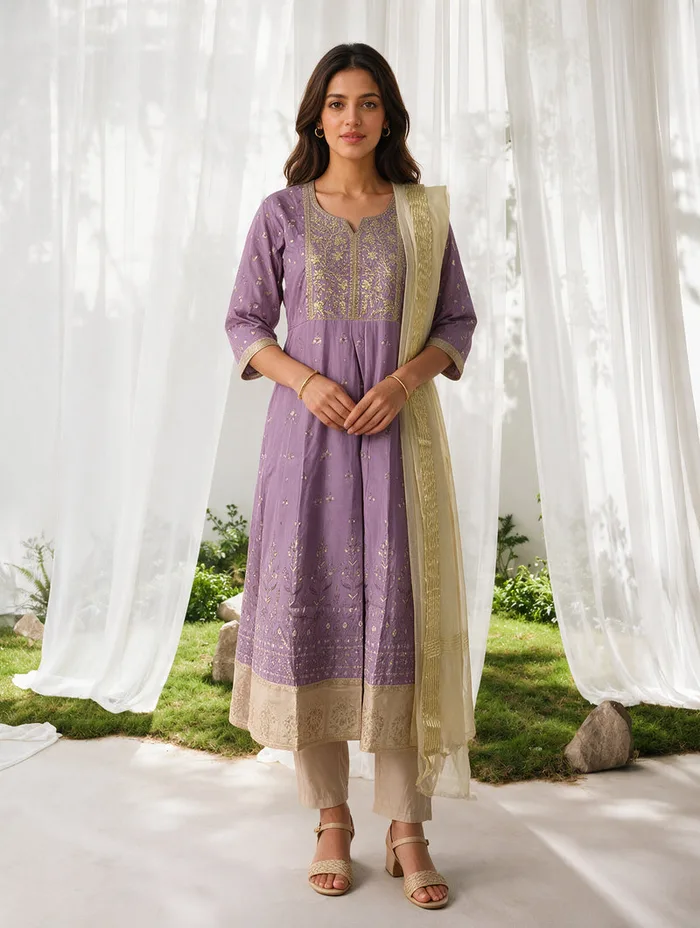
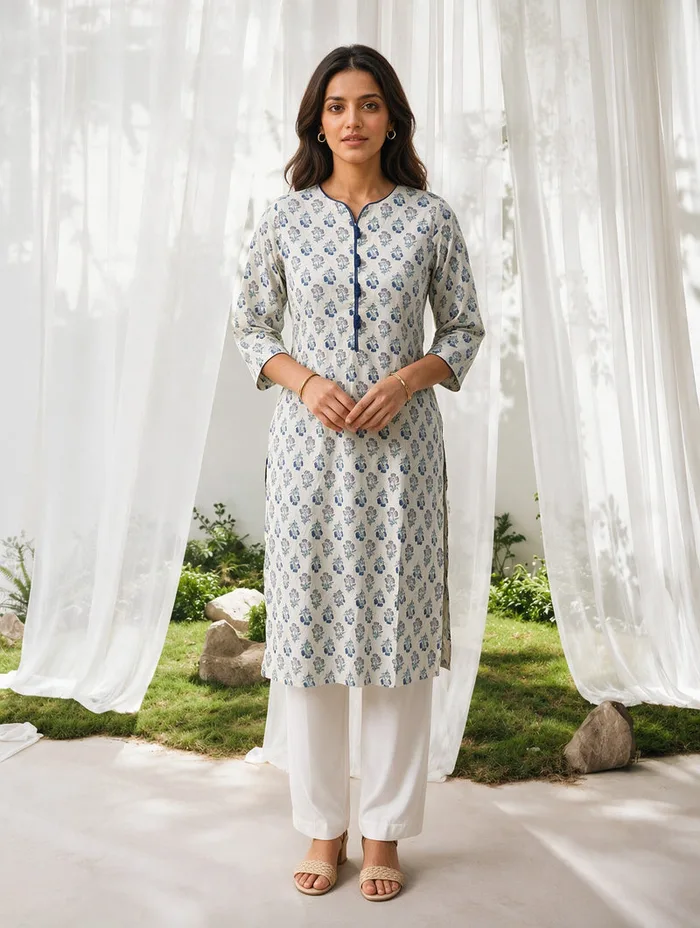
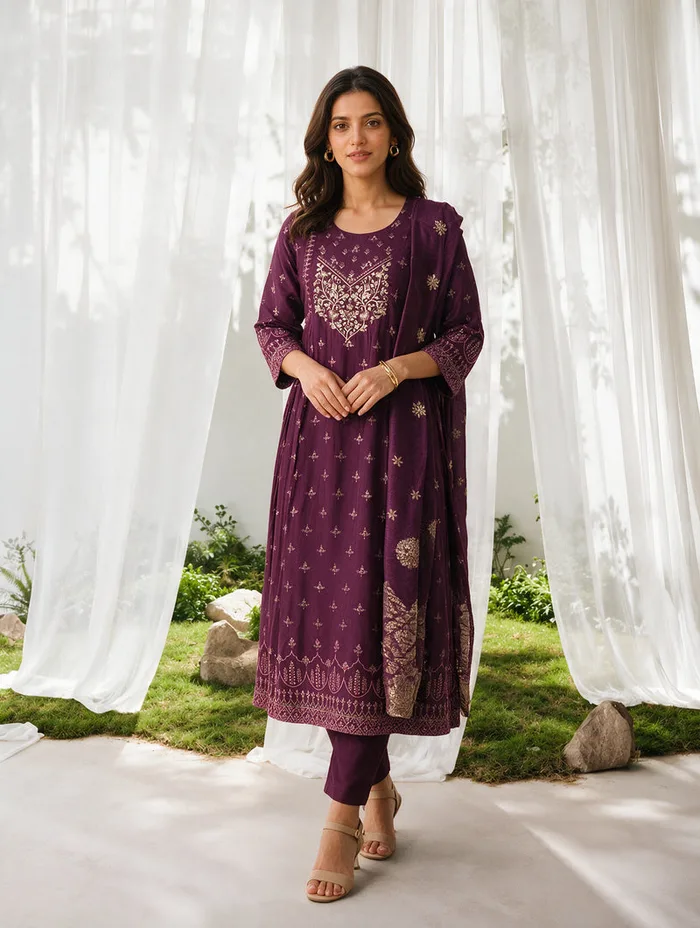
Every image matches
The same garment, fabric, design and model across front, back, side and close-up, and across the whole collection.

Bulk catalogue photoshoot
Fivo Studio is built for a season's range at once. Upload the photos for every SKU, set the models, poses, backgrounds and formats one time, and Studio applies that look across the catalogue: one model on every SKU, with each garment's colour kept to its own photo.
From about ₹20 an image · price shown before you generate · see pricing
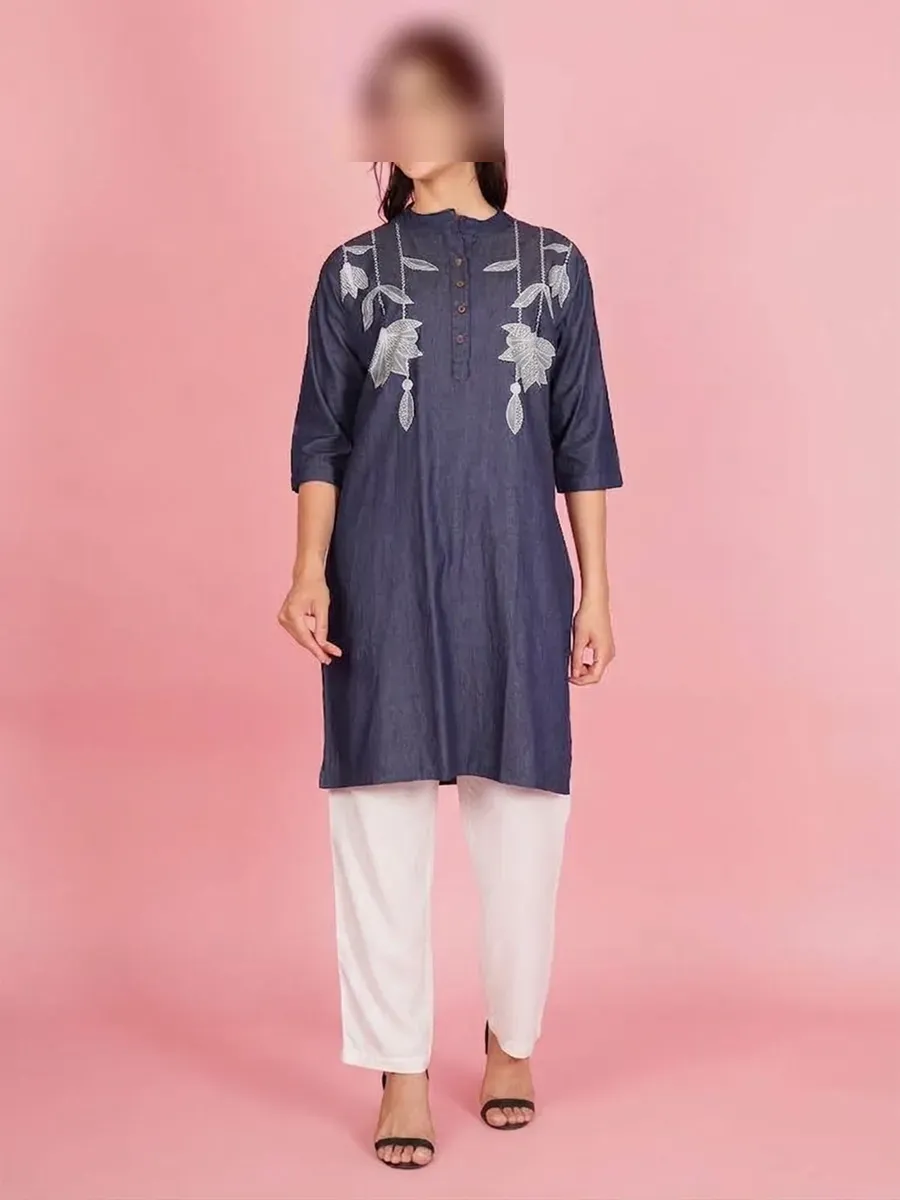 Brand's on-model photo
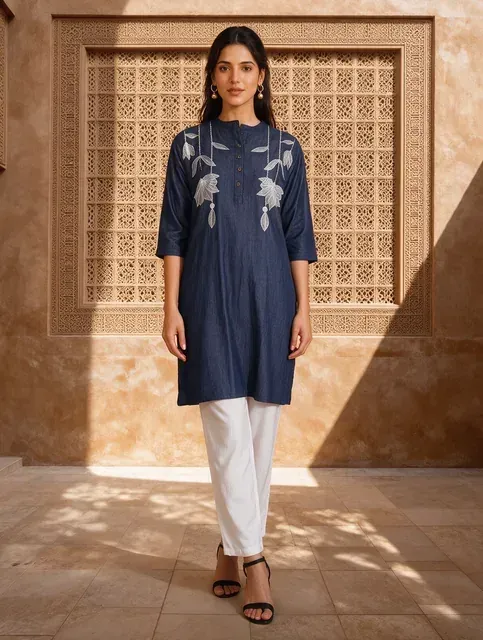 Fivo
A bulk catalogue photoshoot puts a whole range on model in one consistent look. In Fivo Studio you upload every SKU's photos, set the models, poses, background and format once, approve the batch total, and get front, back, side and close-up views of each garment, usually within 24 hours.
Why brands choose Fivo
Customise every shoot to your brand. Fivo keeps your garment, your models, your styling and your look the same in every image you put out.
The same garment, fabric, design and model across front, back, side and close-up, and across the whole collection.
Your photo is the reference: colour, print, embroidery and cut are carried into every image, not reinvented.
Choose the pose for each shot, from straight catalogue fronts to walking, seated and detail shots.
Pick models by the look and age group your customers relate to: women, men, kids, Indian or international.
Choose each styling article per garment: footwear, jewellery, bags, watches, belts, and the top or bottom it's paired with. Or upload your own.
Why ranges go through Studio
Upload the photos for every SKU in one go at studio.getfivo.com. The shoot runs in the background while your team keeps uploading or reviewing.
Set models, poses, styling and background once. Every garment follows, and late arrivals shot in the same look sit beside the first batch, so the range never slides into a generic AI look.
Studio adds up the batch and shows the full amount, GST included, before a single image is made. Credits for a failed image are released.
Two denim kurtis a shade apart stay a shade apart. Every garment is read from its own upload, embroidery and cut included, and a colour-match step runs in Fivo's pipeline.
Choose a catalogue front, a side turn and a detail shot from Fivo's pose library, and every SKU gets that set, so the category grid lines up.
Pick by who buys the range: women or men, girls or boys, or an older age group, with Indian or international looks. Hundreds of SKUs then share that one face.
One drop, one look
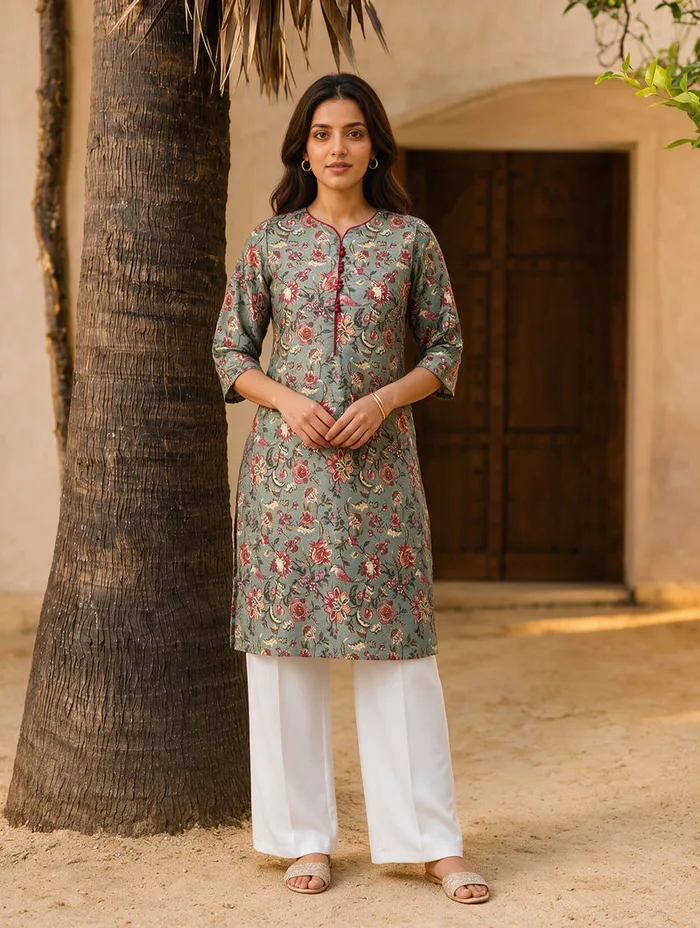
Each began as the brand's on-model photo and came back in the same jaali courtyard, so the drop reads as one collection.
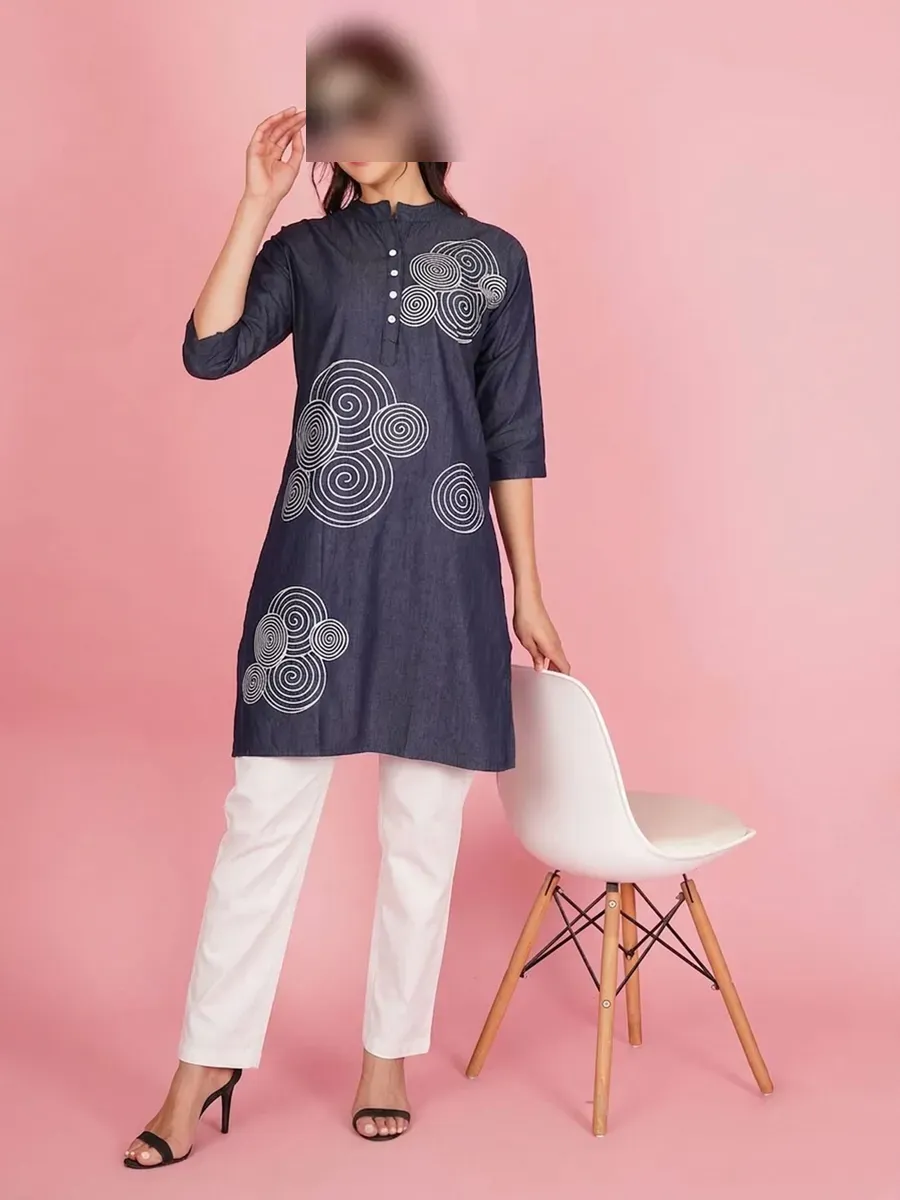 Brand's on-model photo
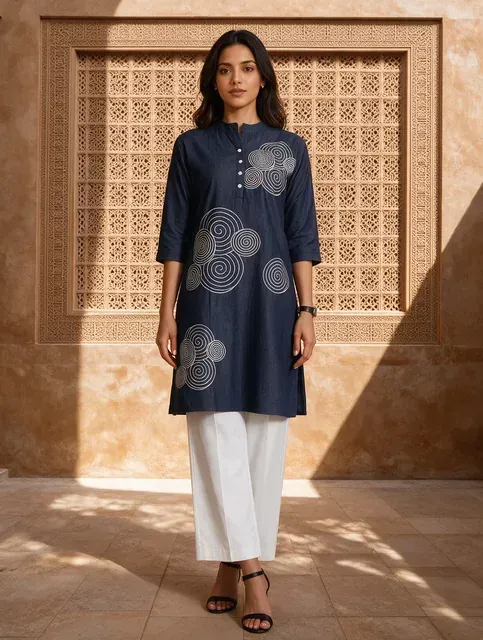 Fivo
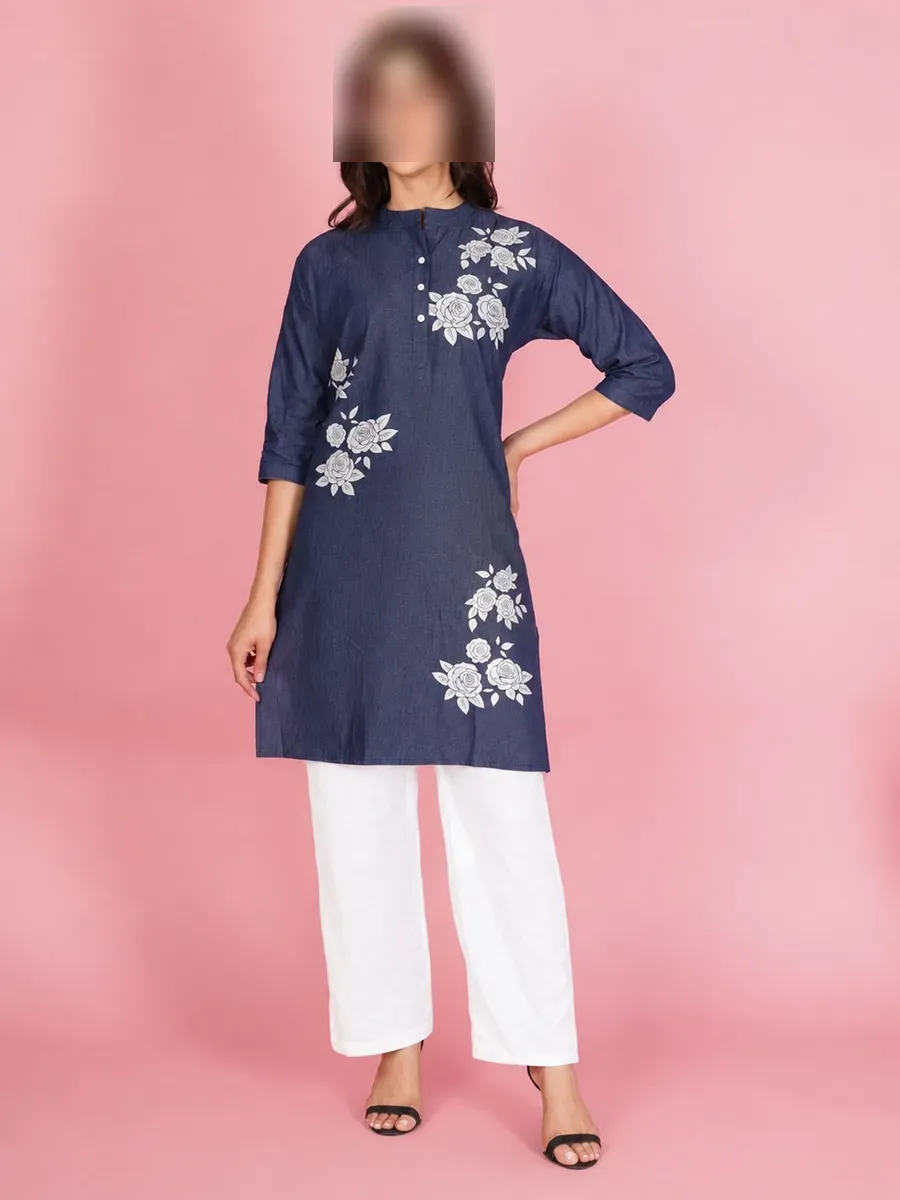 Brand's on-model photo
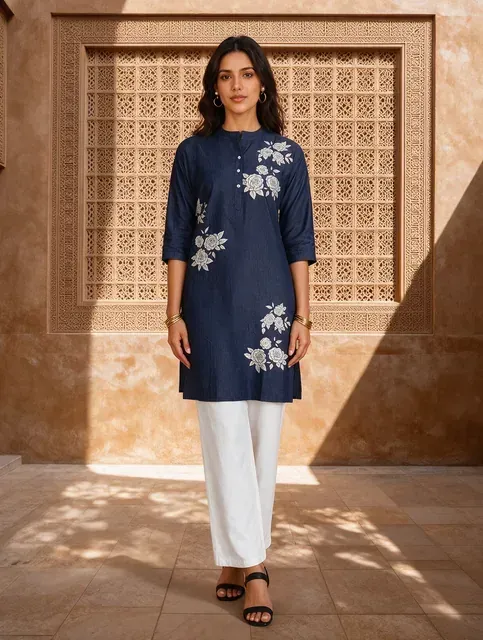 Fivo
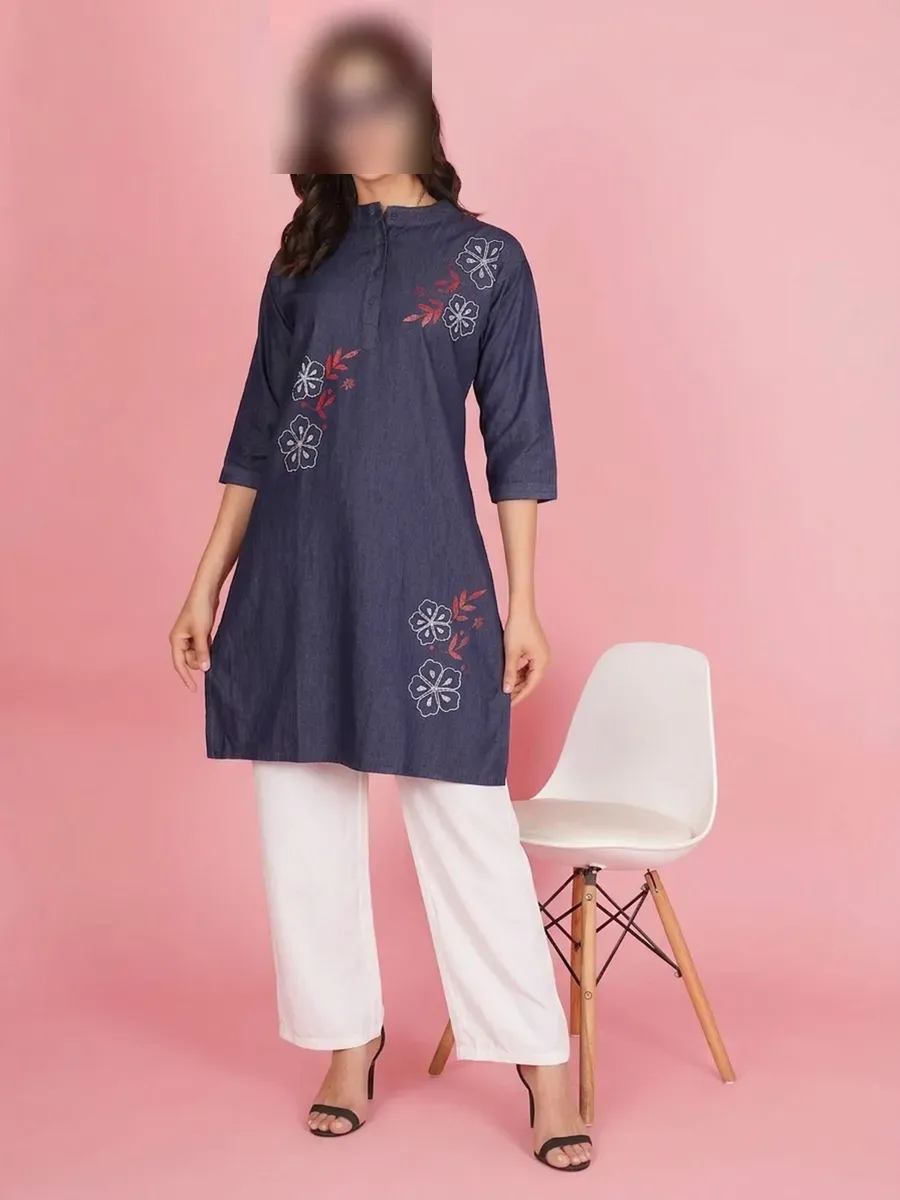 Brand's on-model photo
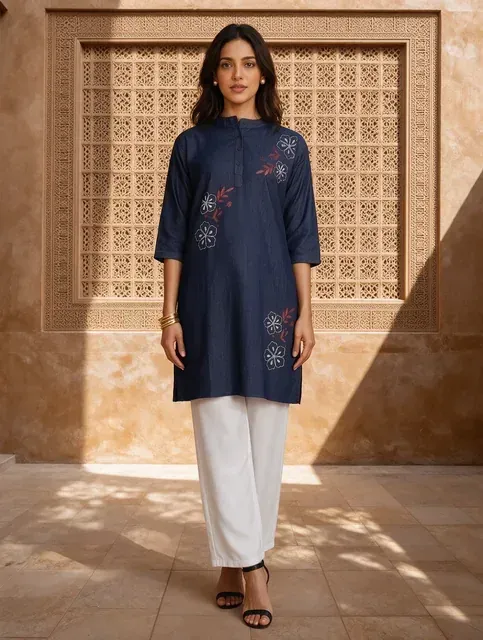 Fivo
The rest of the drop
Three more kurtis from the same batch in the same courtyard, then the spiral-embroidery kurti's back, side and close-up.
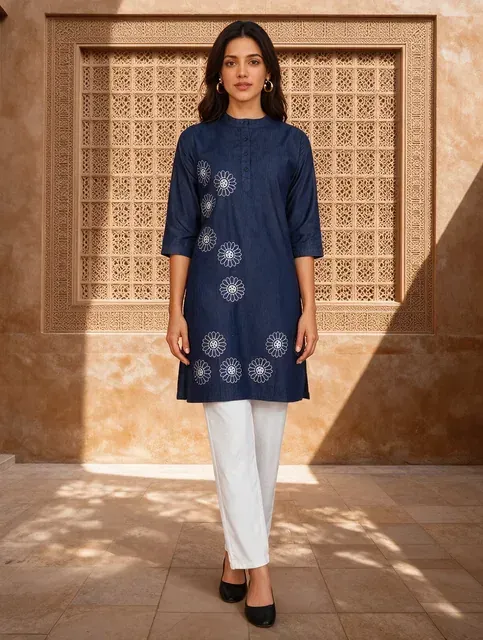
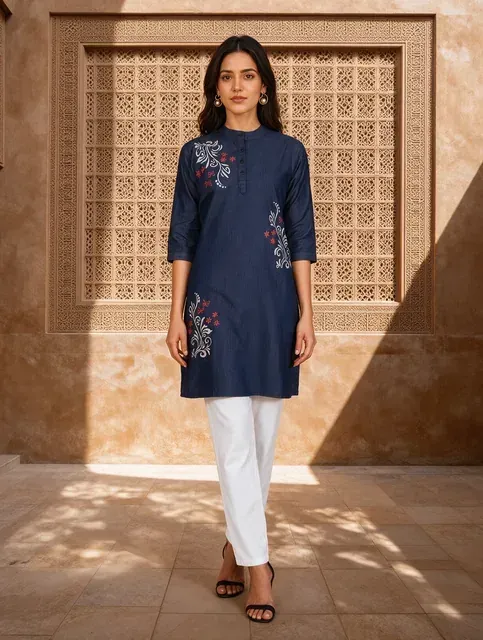
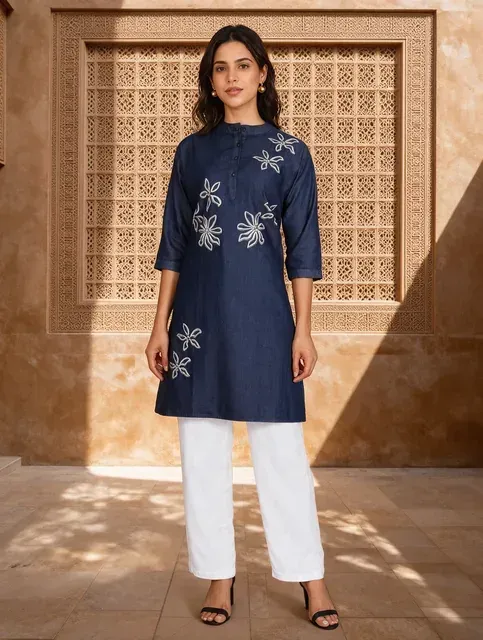
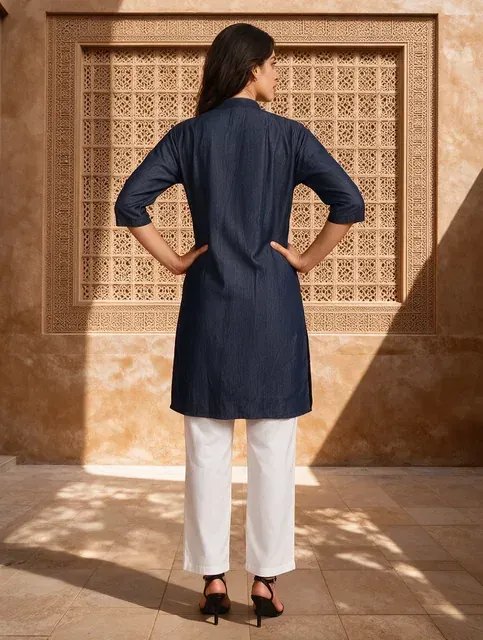
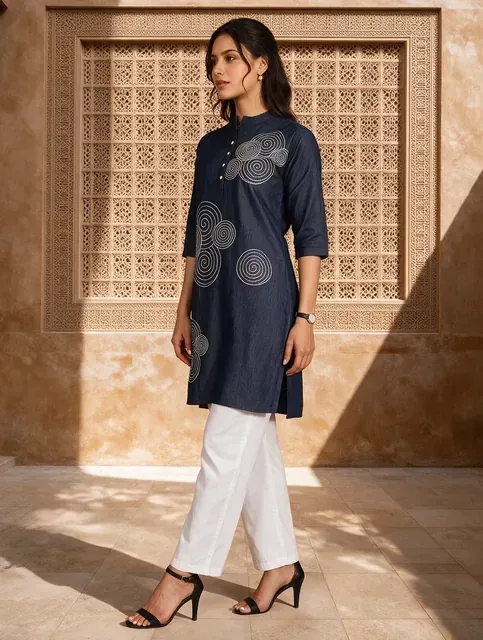
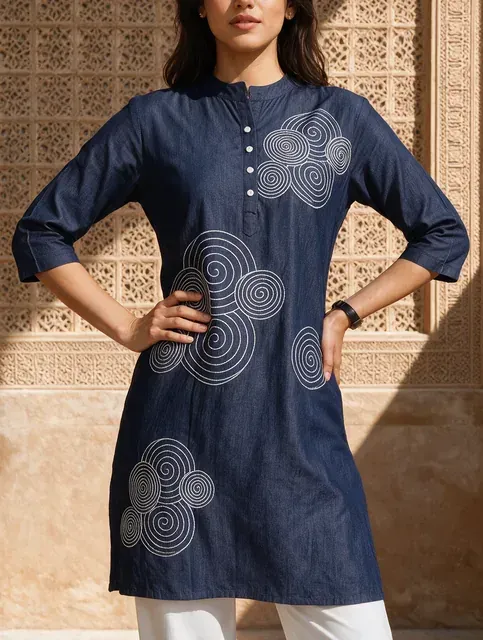
What each SKU needs
Each SKU can come in as whatever photo you have: on a hanger, laid flat, on a mannequin, worn by someone, or a plain phone shot. Keep the type of photo similar across a batch where you can, so the garments are read the same way.
Add a back photo or a close-up for any piece with a back design, embroidery or a detailed print, then review each garment's views against the product before you download the set.
Live today
Product pages on rangita.com, with images shot with Fivo.
Running a bulk shoot
Add the photos for the whole range at studio.getfivo.com. Uploading costs nothing.
Pick the models, poses, background and aspect ratio the catalogue will share, plus one styling set for the drop: the same juttis, earrings and belt from Fivo's catalogue, or your own.
Studio adds up the batch and shows the full amount with GST before a single image is made.
Check each garment's views against the product, then download the set for your store and marketplaces.
Three ways in
Your team uploads, sets the look and approves the total. Best when you want control over every batch.
Open Fivo StudioFor a single late arrival between batches, shot from a phone in minutes.
About the appFivo's team runs the catalogue from creative direction to delivery, quoted on SKU count, outputs and review. Where SKUs flow from your own systems, Fivo can provide an API, set up with the team on request.
Questions
What brands with a full season to shoot ask before using Fivo Studio.
You choose the models, poses, styling, background and format once for the batch, and Fivo Studio applies them to every garment you upload. Pieces added later can be shot in the same look, so the catalogue stays consistent across drops.
Front, back, side and close-up, made from one reading of each garment so they match the product and each other. Videos come from the same upload too. Add a back photo or a close-up when a garment has a back design or detailed work.
A collection in Fivo Studio is usually ready within 24 hours. The shoot runs in the background, so your team can keep uploading or reviewing. The exact time depends on the SKU count, the input photos and how much review you need.
Fivo Studio adds up the batch and shows the full price, GST included, before anything is generated. Images cost about ₹20 each: credits are ₹1 and a Standard image uses 20. There is no subscription.
The credits for that image are released, so you don't pay for an image you don't get, and the rest of the batch carries on. You review every garment before downloading and keep only the images that are right.
Yes. Fivo's catalogue has women, men, boys, girls and an older age group, with Indian and international looks, so you choose the face your shoppers relate to. The model set for a batch wears every SKU in it.
Yes, every one of those is an input Fivo works from, as are on-model and phone photos. Where you can, keep one style of photo across a batch so the garments are read the same way, and add close-ups for detailed pieces.
Yes. You may use the images Fivo generates for any lawful purpose, including listings, advertising and social media. Each marketplace still reviews listings against its own image rules, so check them before a large upload.
YOUR NEXT SEASON
 Rangita Cotton printed straight knee-length kurta