Every image matches
The same garment, fabric, design and model across front, back, side and close-up, and across the whole collection.

JioMart product photography
Your first JioMart listings don't need a studio or a model booking. Photograph each kurta, frock or top on your phone, and the Fivo Android app puts it on a model from Fivo's catalogue in minutes, with a back view and a close-up of the same garment, its colour and mirror-work kept from your photo.
From about ₹20 an image · price shown before you generate · see pricing
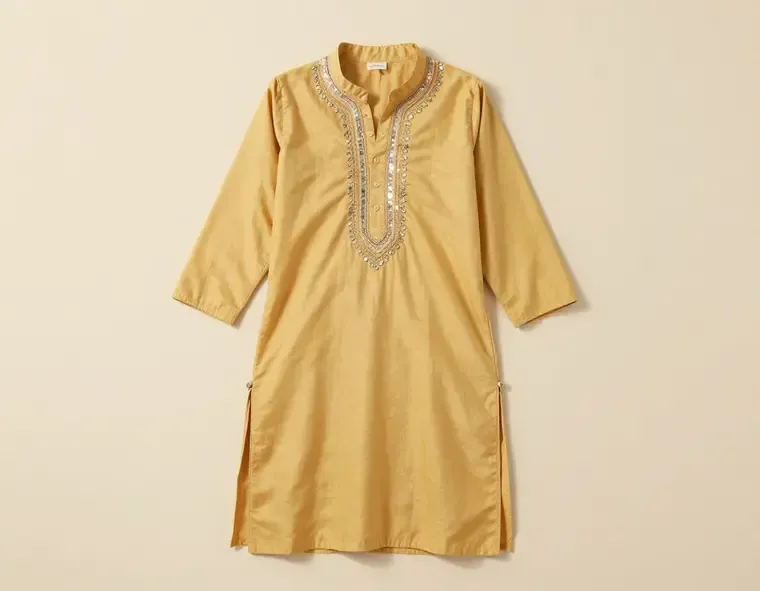 Brand's flat-lay
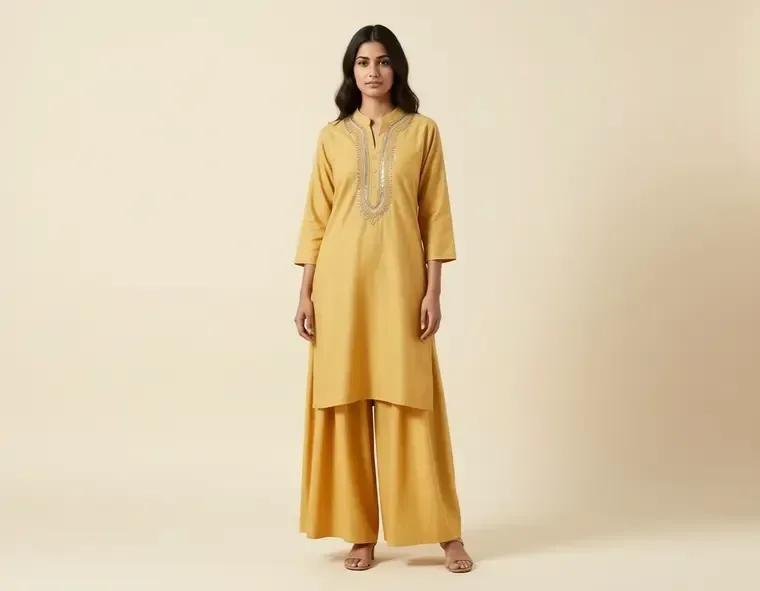 Fivo
It turns a plain photo of your garment, laid flat, on a hanger or worn, into on-model images for a JioMart listing. The Fivo Android app makes them in minutes, one piece at a time, with front, back and close-up views. You pay about ₹20 an image, see the price first, and review each image before you list.
Why brands choose Fivo
Customise every shoot to your brand. Fivo keeps your garment, your models, your styling and your look the same in every image you put out.
The same garment, fabric, design and model across front, back, side and close-up, and across the whole collection.
Your photo is the reference: colour, print, embroidery and cut are carried into every image, not reinvented.
Choose the pose for each shot, from straight catalogue fronts to walking, seated and detail shots.
Pick models by the look and age group your customers relate to: women, men, kids, Indian or international.
Choose each styling article per garment: footwear, jewellery, bags, watches, belts, and the top or bottom it's paired with. Or upload your own.
Who it's for
A kurta unit in Surat or a block-print workshop in Jaipur, with stock ready and no content budget. Put the best five pieces on a model first.
A loyal walk-in crowd and a phone full of counter photos. Each of those photos can become an on-model front a JioMart shopper can judge.
Use the garment photos you already have, then choose the backdrop and format your JioMart panel asks for, instead of reshooting from scratch.
Gingham frocks, cotton shirt dresses, crew-neck tees. Fivo's catalogue includes kids and men, so a mixed shop keeps one setting across every line.
What JioMart asks for
JioMart shares its catalogue guidelines inside the seller panel, and we found no public version from JioMart or from a listing partner as of November 2026. [Fynd's JioMart page](https://documentation.fynd.com/commerce/docs/openapi/new-seller-onboarding/jiomart/jiomart-extension) covers only connecting a store. The points below are from an unofficial third-party summary, [Streamoid's JioMart seller guide](https://streamoid.com/resources/guides/jiomart-seller-guide), which is undated and cites no JioMart source.
| Point | What the unofficial guide says |
|---|---|
| Background | White or clean |
| Text and marks | No watermarks or text |
| Light | Clear lighting |
| Framing | The product fills roughly 70–85% of the frame |
| Resolution | High resolution recommended, with no figure given |
| Fashion views | Model images recommended, with front, back and detail shots |
| Colour | Accurate colour representation |
| Review | Automated checks, then manual quality checks, then approval |
Checked November 2026. None of this comes from JioMart itself, so treat it as a guide, not a rule. JioMart reviews every listing against its own current guidelines: read them in your seller panel before you upload.
Your starter set
Fivo reads the garment once from your photo and makes each view from that reading, so every image shows the same piece.
| The unofficial guide suggests | From a Fivo shoot |
|---|---|
| Model images | Every frame on a model you pick from Fivo's catalogue |
| Front, back and detail shots | Front, back and close-up from one photo. Add a photo of the back if it has ties, buttons or its own print. |
| A white or clean background | Pick a plain studio backdrop for the lead image, then check it against the rule in your seller panel |
| No watermarks or text | Take price tags and stickers off the garment before you photograph it |
| Accurate colour | A colour-match step runs on every image. Shoot in daylight, and compare each one with the real garment before listing |
| Product fills 70–85% of the frame | Check the framing of each download against this before you upload |
Why new sellers start with Fivo
About ₹20 an image, no subscription. Uploading is free and credits for a failed image are released. Shoot three kurtas this week and thirty next month.
A sharp close-up of mirror-work, chikan stitches or a block print gives the detail frame something real to hold to.
Window daylight and the whole garment in frame are the input. The app adds the model, pose and backdrop, plus styling you choose, such as juttis or jewellery with a kurta, or none.
Pick a model for the customer you sell to: women, men, girls, boys or an older age group, in Indian or international looks, and keep that face for each new piece.
Past a handful of pieces, move to Studio on the web: a whole upload on one model and one backdrop, usually ready within 24 hours.
Your first JioMart listing
Lay the garment flat or hang it near a window, smooth it out, and fit the whole piece in the frame.
In the app, choose a model from Fivo's catalogue, a pose and a background that suits the garment.
The cost is on screen before you start, and the images are ready in minutes.
Compare each image with the real garment, then add them to your JioMart listing for JioMart's review.
Everyday garments, shot with Fivo
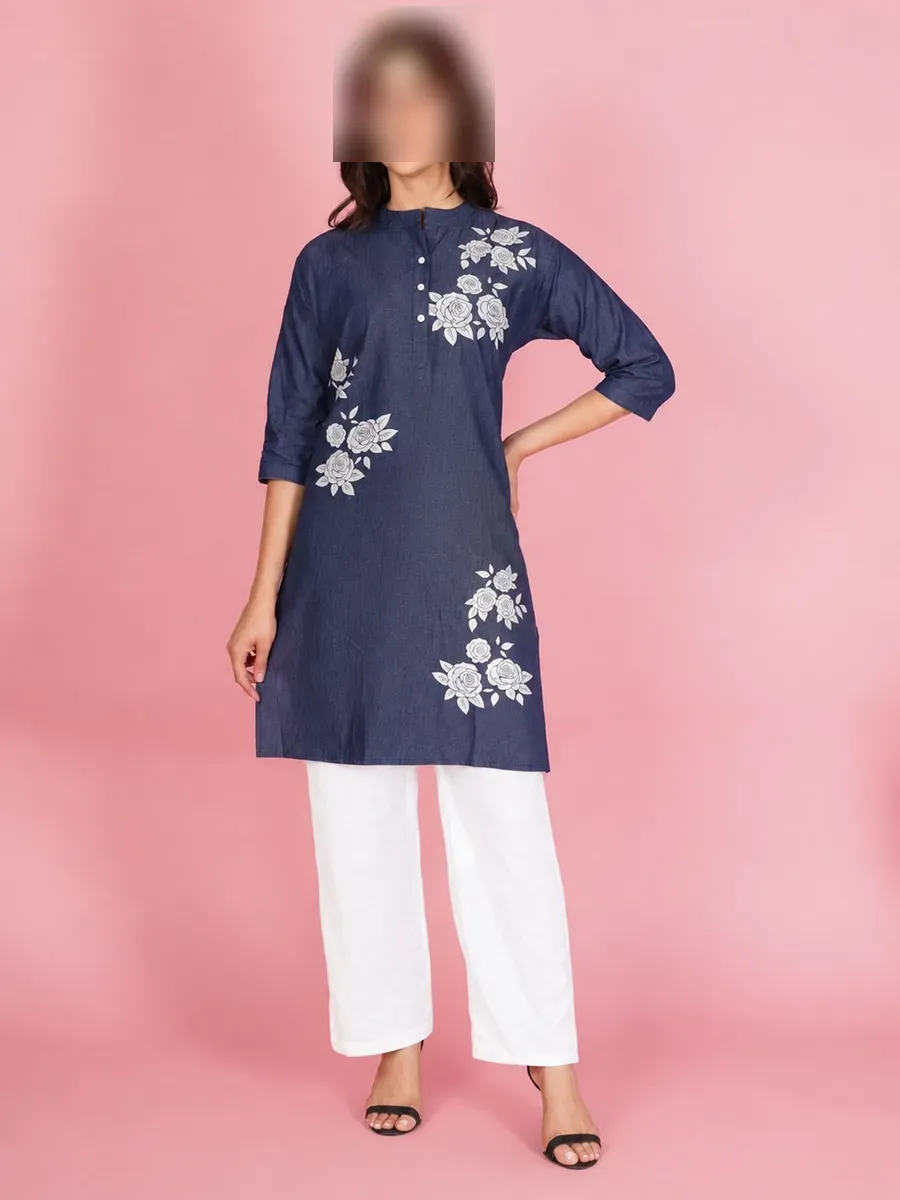
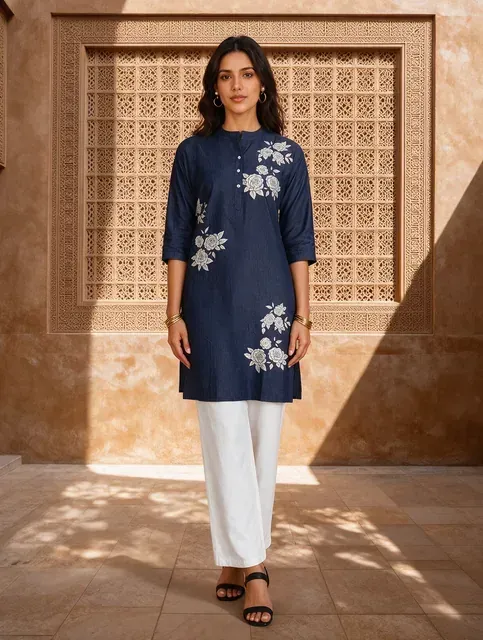
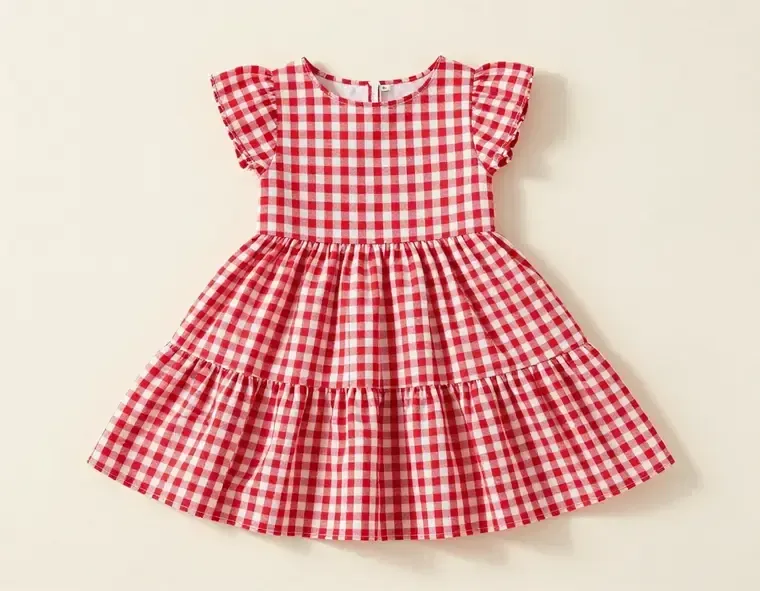
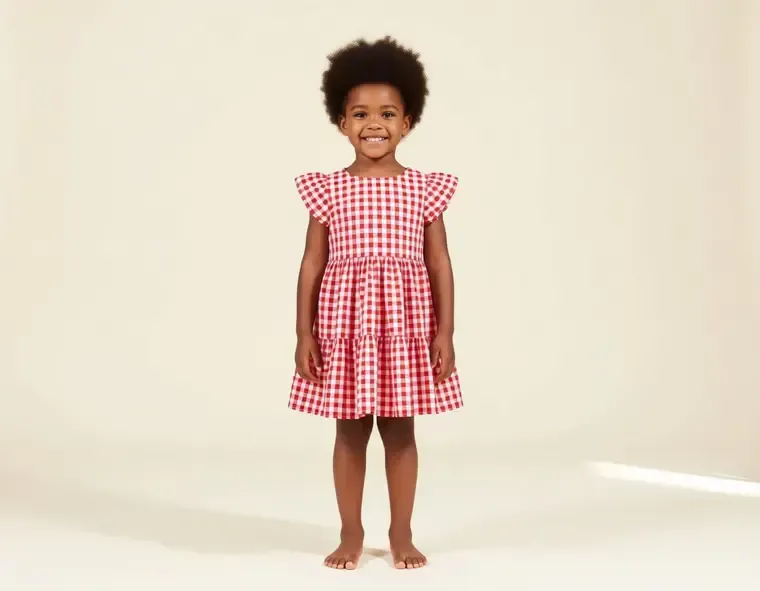
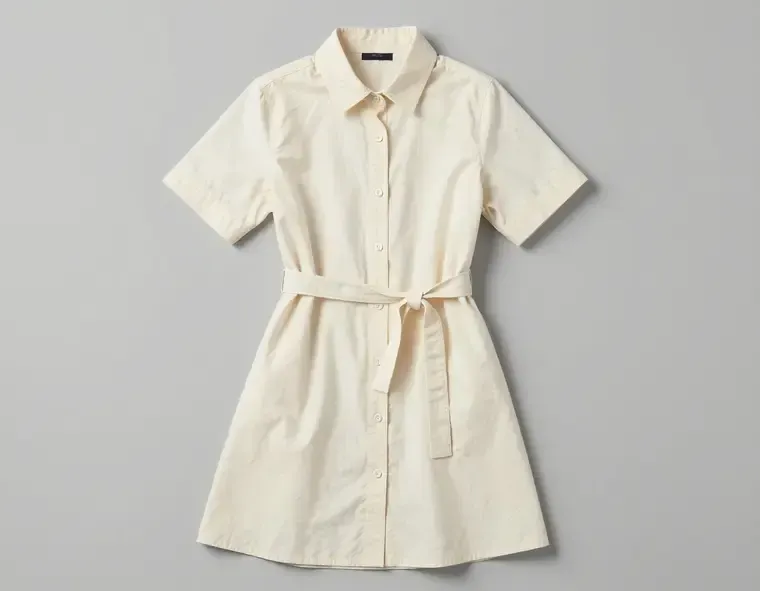
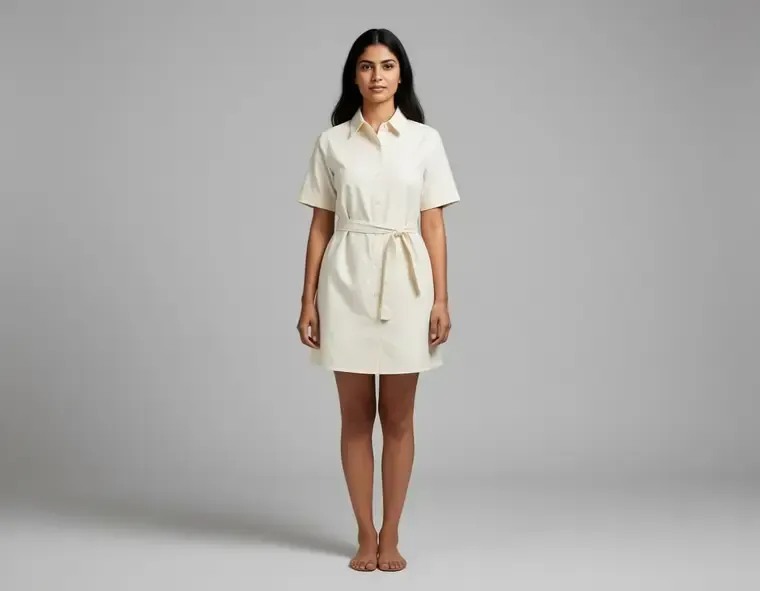
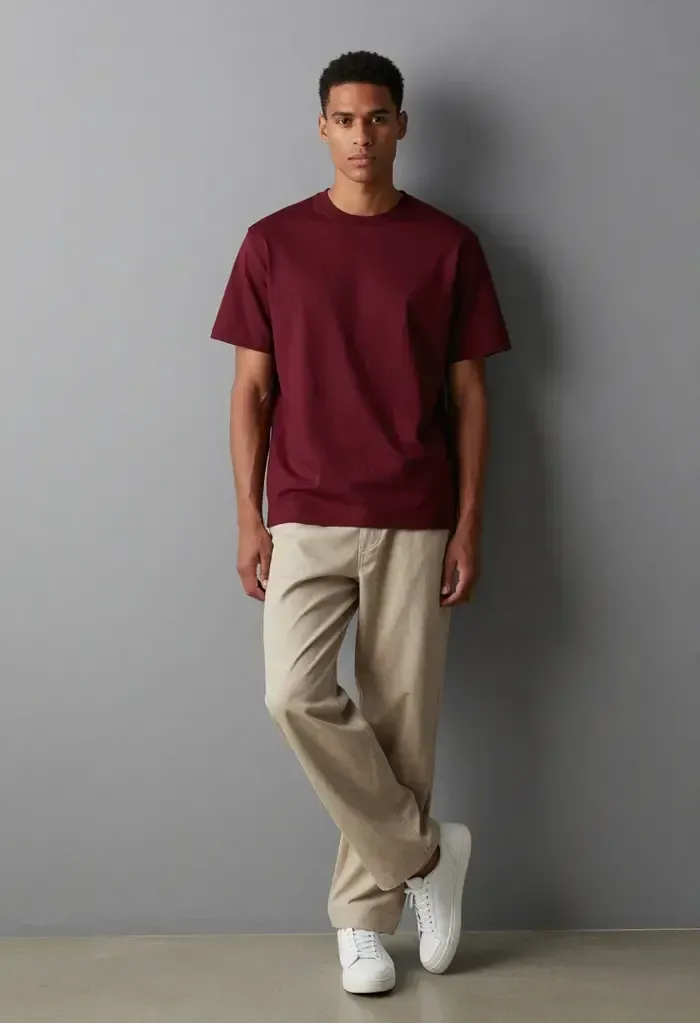
The mustard kurta above began as a flat lay. Below: a teal chikankari kurti photographed on a mannequin outside a shop, a denim kurti from an on-model photo, a gingham kids' frock and a cream shirt dress from flat lays, and a men's heavyweight tee.
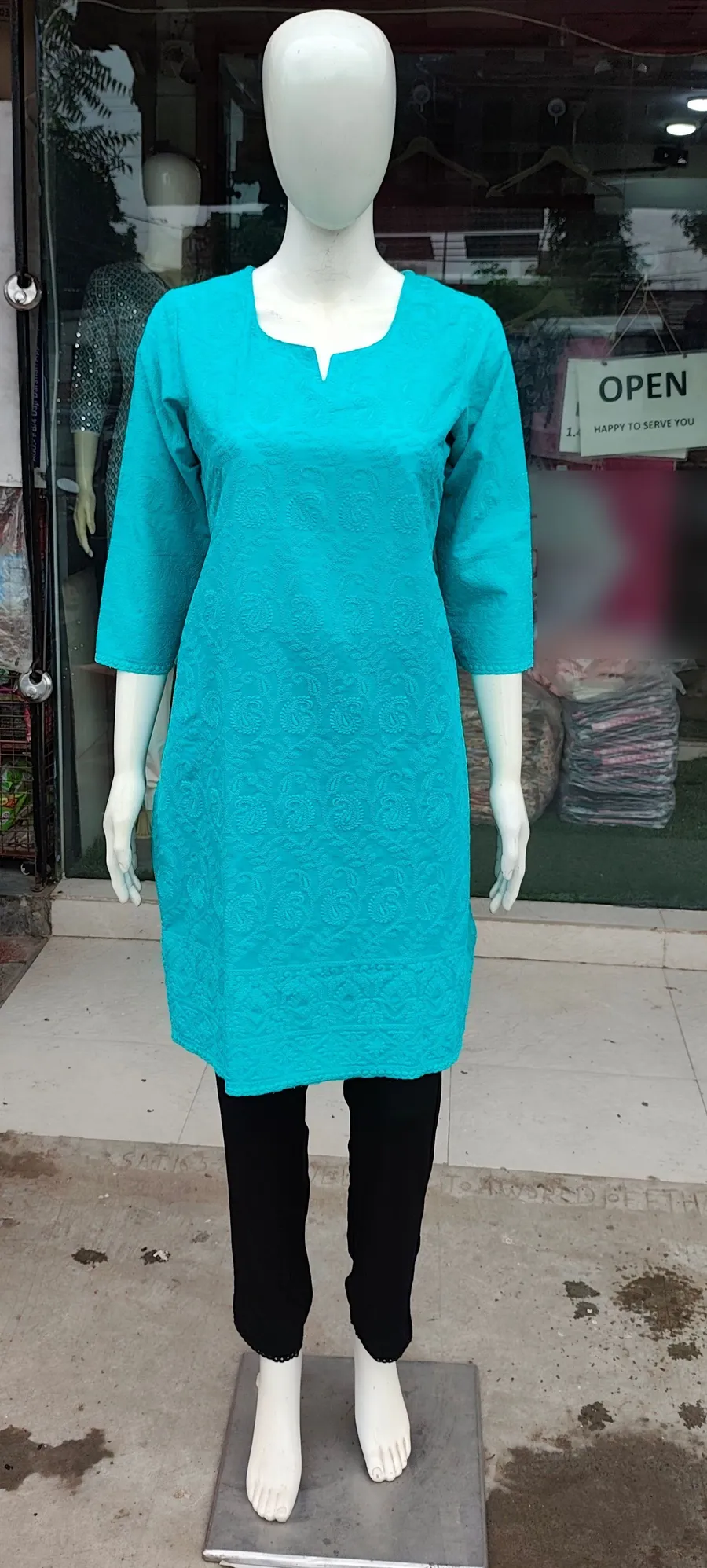 Brand's mannequin
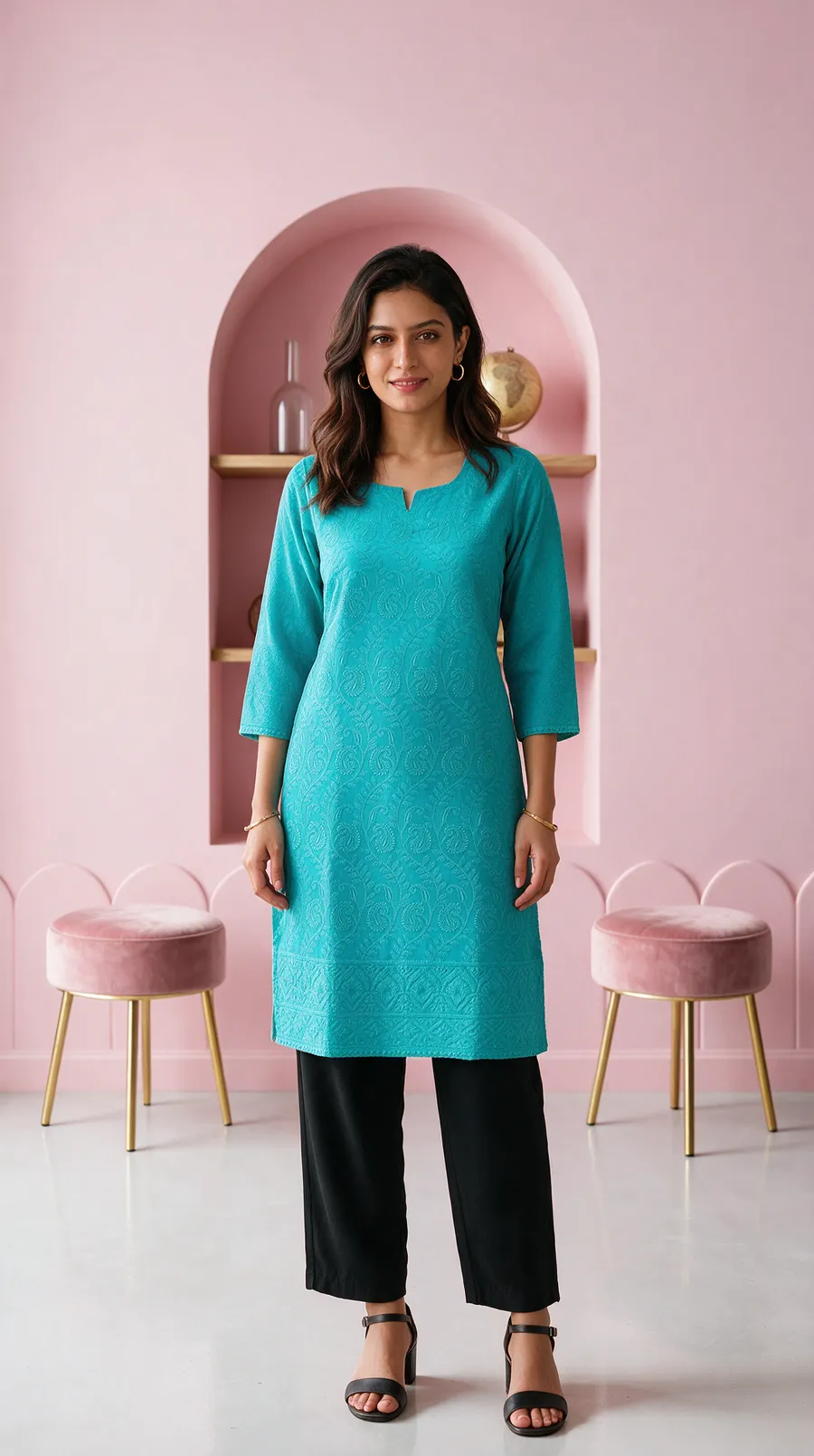 Fivo
 Brand's on-model photo
 Fivo
 Brand's flat-lay
 Fivo
 Brand's flat-lay
 Fivo
 Fivo
Questions
What new sellers ask before shooting their first JioMart listings with Fivo.
JioMart keeps its catalogue guidelines inside the seller panel, and as of November 2026 we found no public version from JioMart or a listing partner. An unofficial guide from Streamoid suggests a white or clean background, no watermarks or text, and front, back and detail shots on a model. Treat that as a pointer and check the rules in your JioMart seller panel.
JioMart doesn't publish a minimum we could check. A front on a model, a back view and a fabric close-up cover what most shoppers look for, and the Streamoid guide recommends the same front, back and detail shots. Fivo makes all three from one reading of the garment.
Yes. You pay about ₹20 for each image you make, with no subscription, and uploading costs nothing. Shoot your three best pieces, list them, and add more as orders come in.
Yes. A plain phone photo of the garment, laid flat, on a hanger or worn, is enough, and the Fivo Android app turns it into on-model images in minutes. Even daylight and the whole garment in frame give the best result.
Like your shop. The model, the pose for each shot, the styling and the backdrop are your choices, and they stay the same for every piece you add, so even five listings carry one look of their own rather than a generic AI look.
JioMart doesn't publish an image shape we could check. Fivo's marketplace format is 2:3; preview how your JioMart listing crops it, and follow the panel's guidelines if they ask for something else.
Often, but each marketplace sets its own rules. Fynd's partner documentation for Flipkart asks for a light grey background for apparel, for example, which differs from what is suggested for JioMart. Pick the background for each set before you generate. See Flipkart product photography.
JioMart decides what goes live, against its own current guidelines. The unofficial Streamoid guide describes automated checks followed by a manual quality check before approval. The images you make with Fivo are yours to use for any lawful purpose, on JioMart, WhatsApp or anywhere else.
YOUR FIRST JIOMART LISTING
 Fivo for AndroidShoot one garment at a time on your phone. Images and videos in your brand's look.