Every image matches
The same garment, fabric, design and model across front, back, side and close-up, and across the whole collection.

AI fashion product video
A still shows what a garment looks like; a video shows how it behaves on a body. Fivo makes on-model video from the photo you already use for your images, with the same model and setting, so the product page and the Reel look like one shoot. Your photo stays the reference, so the clip's colour and print are kept to the garment, as in the stills.
From about ₹20 an image · price shown before you generate · see pricing
 Fivo
An AI fashion product video is an on-model clip of your garment, made from a photo of it instead of a filming day. Fivo makes it from the same photo as your stills, in the same look, in the Android app for one piece or in Fivo Studio for a collection.
Why brands choose Fivo
Customise every shoot to your brand. Fivo keeps your garment, your models, your styling and your look the same in every image you put out.
The same garment, fabric, design and model across front, back, side and close-up, and across the whole collection.
Your photo is the reference: colour, print, embroidery and cut are carried into every image, not reinvented.
Choose the pose for each shot, from straight catalogue fronts to walking, seated and detail shots.
Pick models by the look and age group your customers relate to: women, men, kids, Indian or international.
Choose each styling article per garment: footwear, jewellery, bags, watches, belts, and the top or bottom it's paired with. Or upload your own.
Why add video
Crisp linen or soft rayon, a chiffon that floats or a jersey that clings. A shopper who can't touch the cloth reads it from how it moves on the model.
Where a flared kurta opens out, how a resort shirt hangs off the shoulder, whether a co-ord looks boxy. A clip settles questions another still angle leaves open.
The video uses the model, setting and styling chosen for the images, so it slots in beside the front, back and close-up and keeps your brand's look, not a generic AI one.
Pick the model for the customer you sell to, from women, men, kids or an older age group, and the pose for the matching stills from Fivo's pose library.
The clip is made from the photo your stills use, so its colour, print and embroidery come from that one reference rather than being reinvented. Watch it against the garment before publishing.
Real Fivo videos
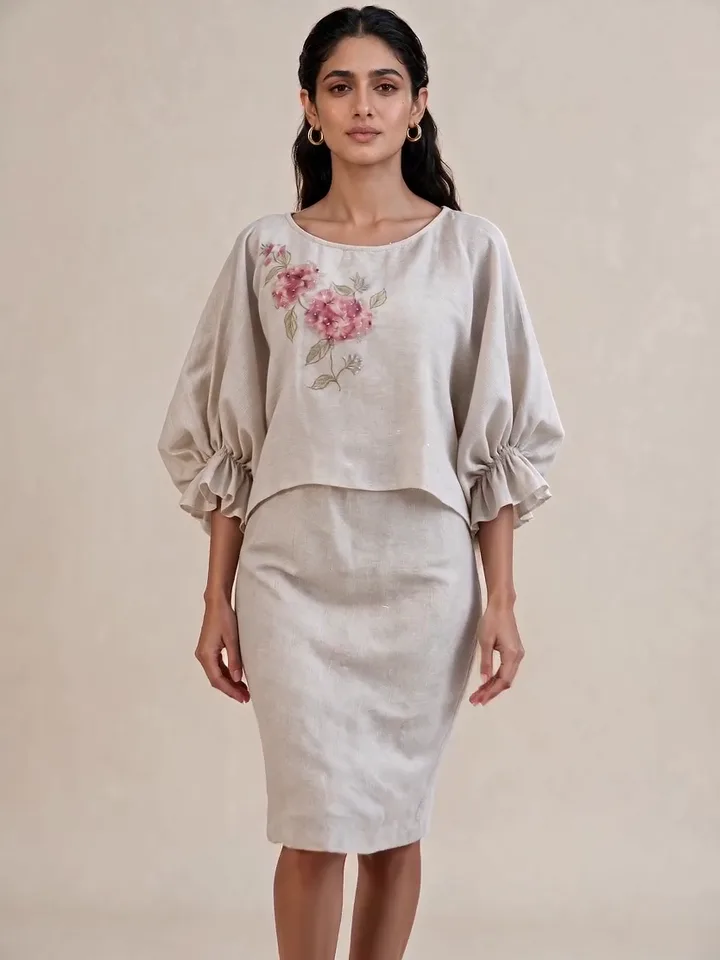
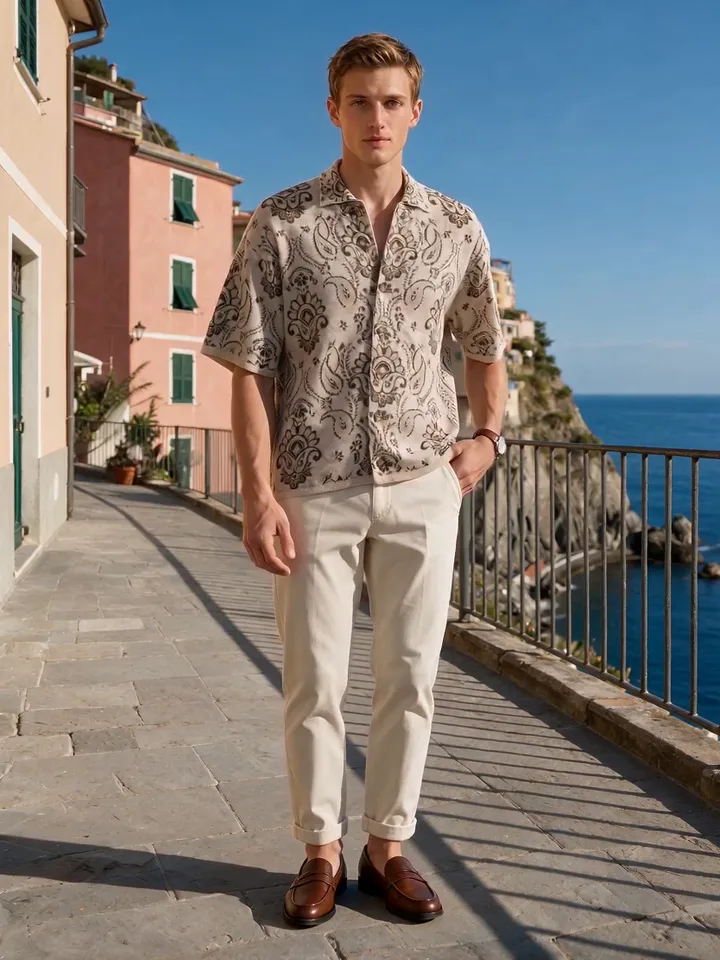
Poster frames from the two videos Fivo made from real brands' garments. Both play in full on the showcase.
What each video shows
A women's natural-linen co-ord with a floral embroidery panel on the top and gathered sleeves, against a soft studio backdrop where the thread-work and the linen's texture carry the frame.
A men's short-sleeve shirt with an all-over paisley print, worn with cream trousers on a coastal promenade. The print has to hold across the whole shirt while the model is on screen.
Upload the photo you would use for stills, pick the look, and see the price before Fivo makes the clip.
Garments that suit video
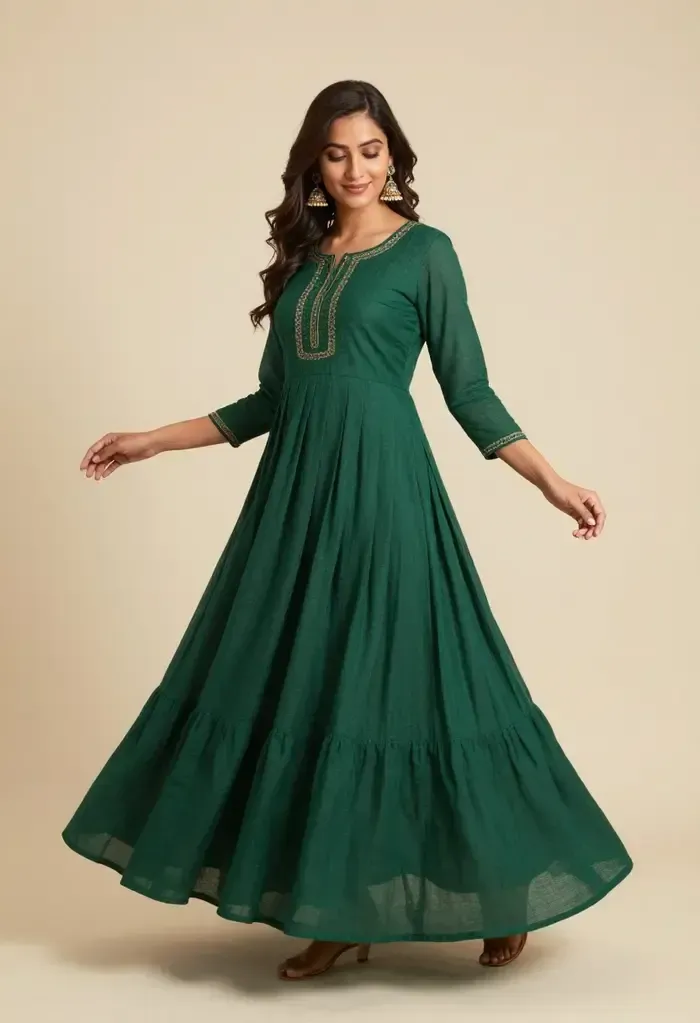
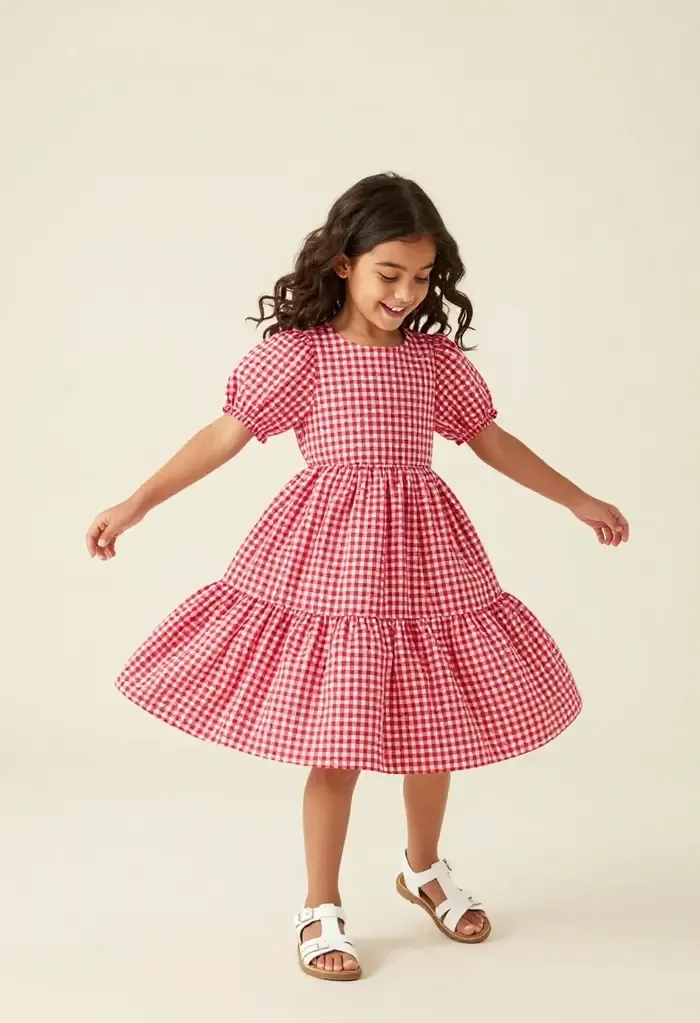
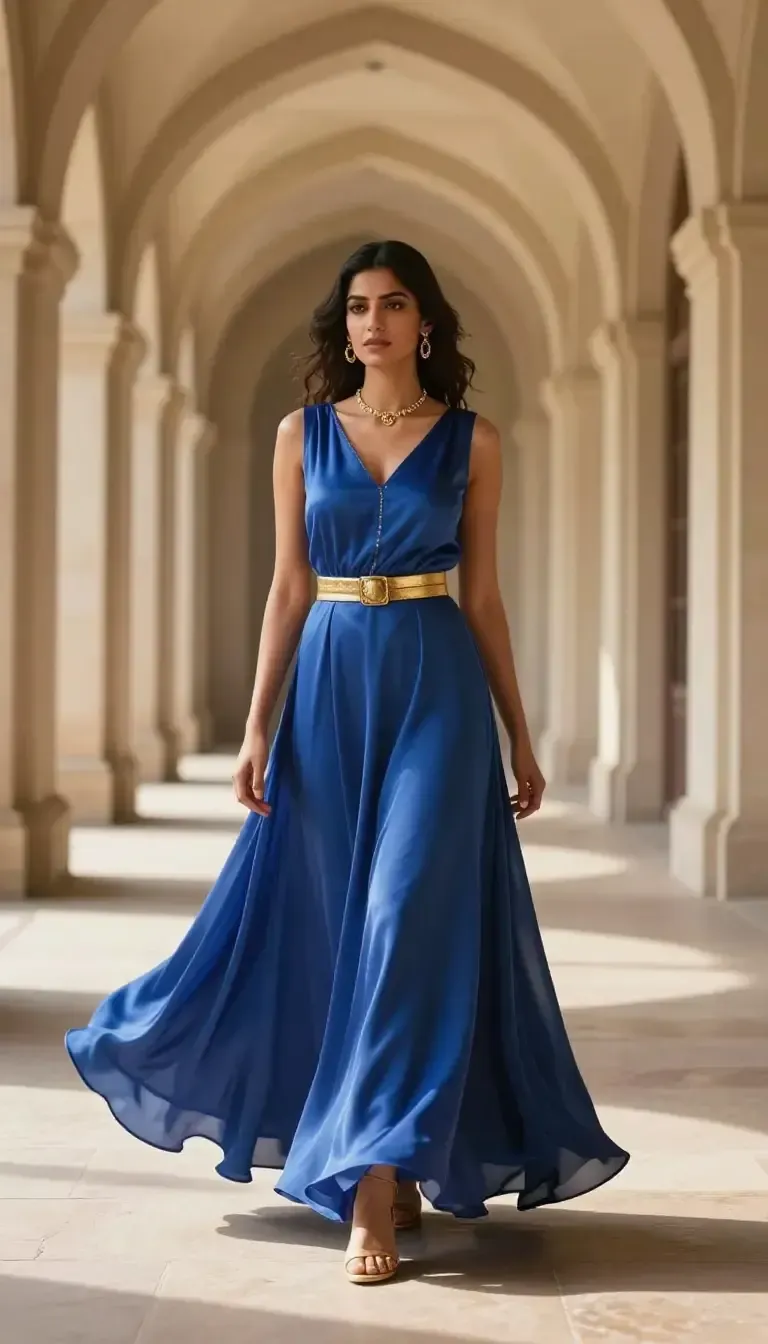
These are Fivo stills, not video frames. Garments like these, with a full skirt or a flared hem, are the ones where a clip adds the most to a product page.
 Fivo
 Fivo
Making a fashion video
The same one you would use for images. Where a print or embroidery matters, add a close-up so the detail is read well.
Choose a model from Fivo's catalogue and a studio or lifestyle background, or reuse the look already set for your stills.
Fivo shows the full cost, GST included, before generating, and releases the credits for anything that fails.
Watch each clip against the garment, then add it to the product page, a Reel or an ad.
Three ways to make video
Photograph a new arrival, choose the model and background, and make its stills and clip in minutes.
Get the Android appAdd video across a whole collection in the look you set for its images, so every product page has motion.
Open Fivo StudioFivo's team plans, produces, reviews and delivers the videos and stills together, quoted for your range.
Questions
What brands ask before they add on-model video to their listings.
Yes. Fivo makes the video from the same garment photo as the images, in the look you chose: the same model, setting and styling. On a product page the clip sits beside the front, back and close-up stills as one set.
No. One clear photo of the garment is the input for both images and video. It can be on a hanger, a mannequin, laid flat, on a person or a plain phone photo. For detailed prints or embroidery, add a close-up as well.
Yes. You may use what Fivo generates for any lawful purpose, including product listings, advertising and social media. Brands use the clips on product pages, as Reels and in paid social campaigns. See social media content.
Yes. Both the Fivo Android app and Fivo Studio make on-model videos. The app suits one garment at a time, ready in minutes; Studio suits a whole collection in one look.
Fivo is pay as you go, with no subscription. In the app and in Studio the full price, GST included, is on screen before anything is generated, and credits for a failed result are released. Full-service production is quoted. See Fivo pricing.
Anything whose appeal is in how it moves or falls: anarkalis and flared kurtas, tiered and maxi dresses, linen co-ords, and printed shirts where the drape changes how the print reads. Fitted basics gain less, though a clip still helps a product page stand out.
Yes. Choose from Fivo's catalogue of women, men, boys, girls and an older age group, with Indian and international looks. The model you pick for a garment's stills appears in its video too, so the listing shows one person throughout.
Yes. The showcase plays two: an embroidered linen co-ord on a studio backdrop and a paisley resort shirt on a coastal promenade, both made by Fivo from real brands' garments.
PUT YOUR RANGE IN MOTION
 Fivo for AndroidShoot one garment at a time on your phone. Images and videos in your brand's look.